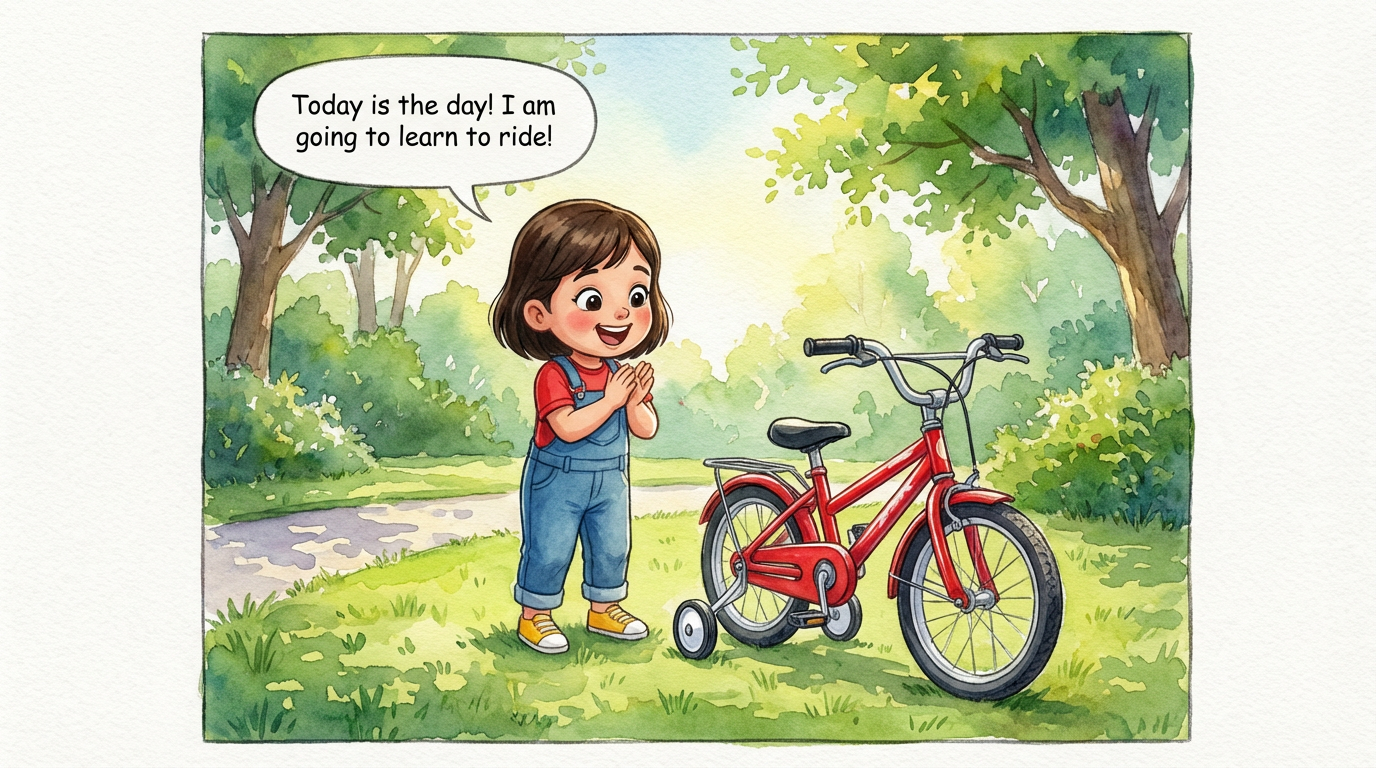
Dakshu's Big Ride
 Lalit Mangal
2
growing-upkids
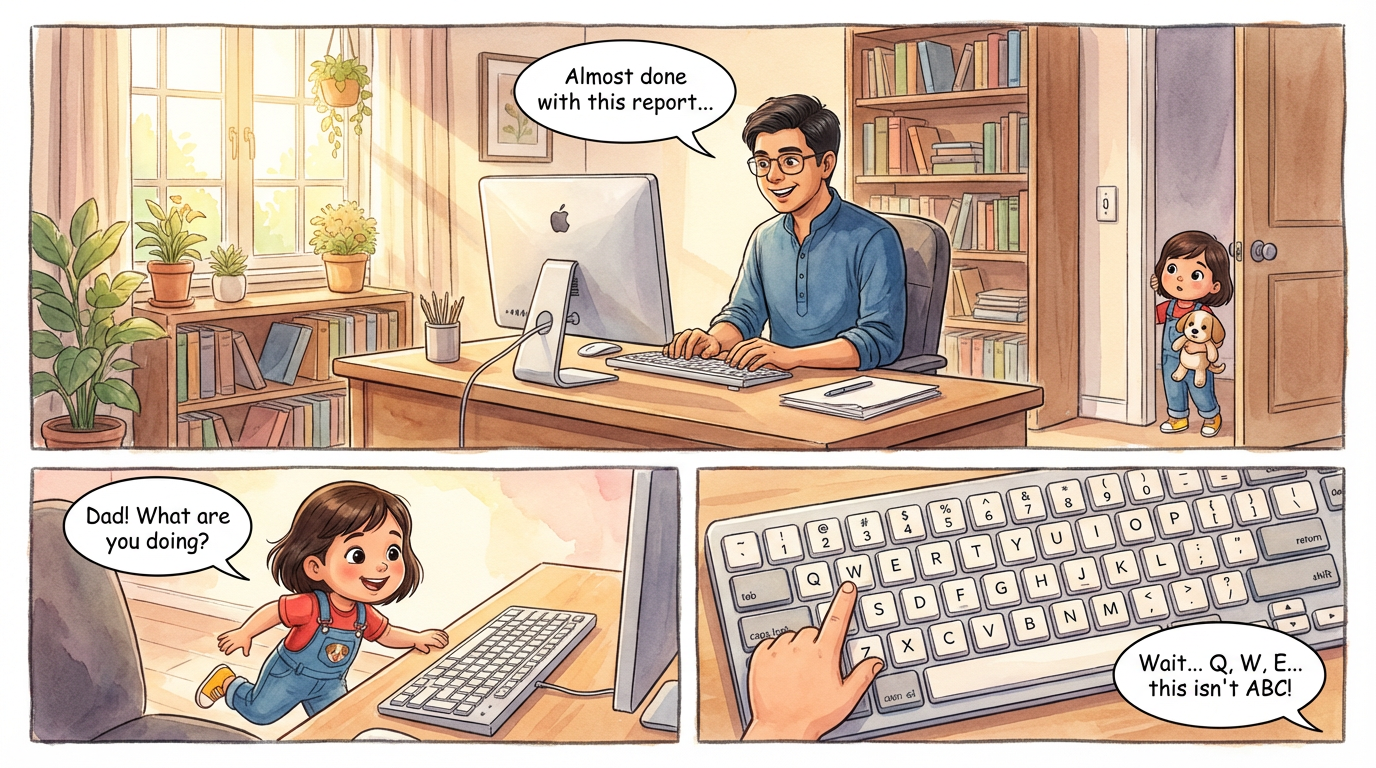
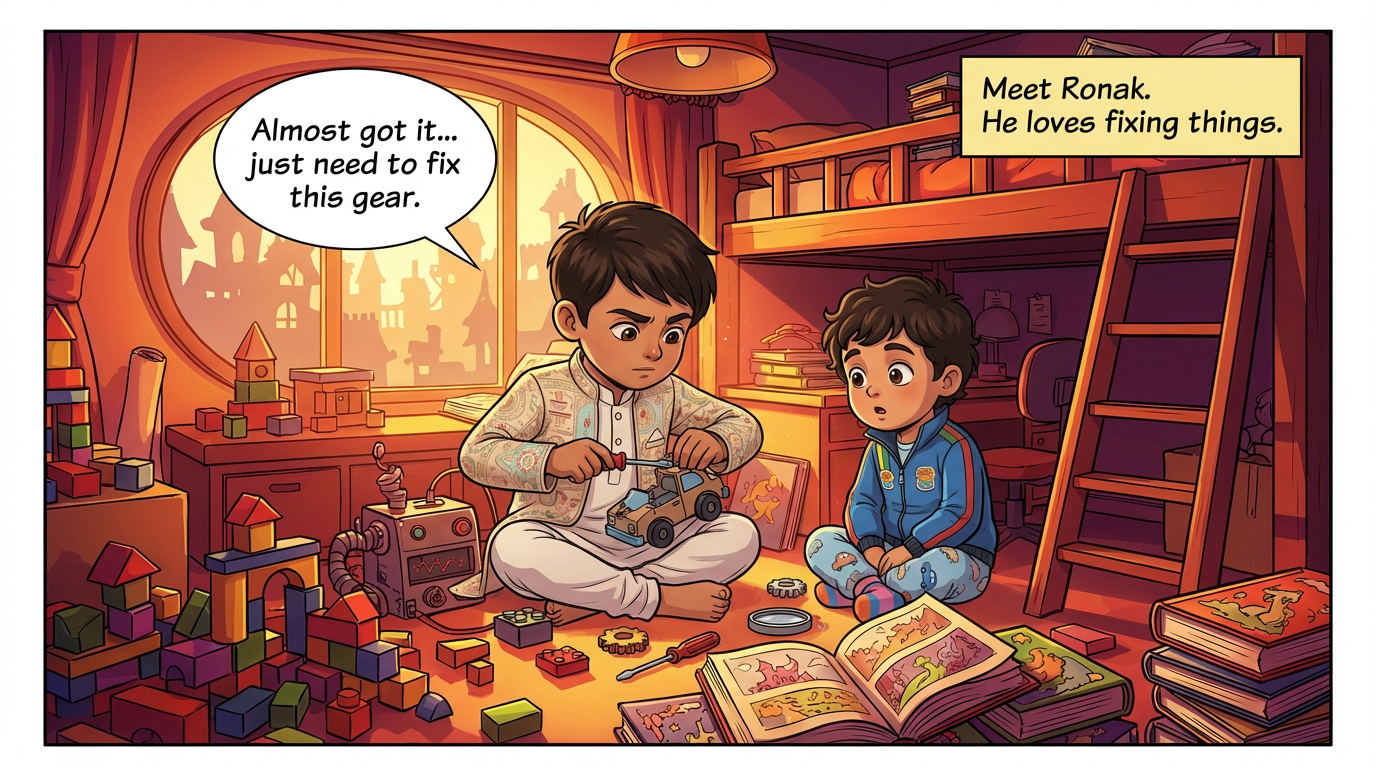
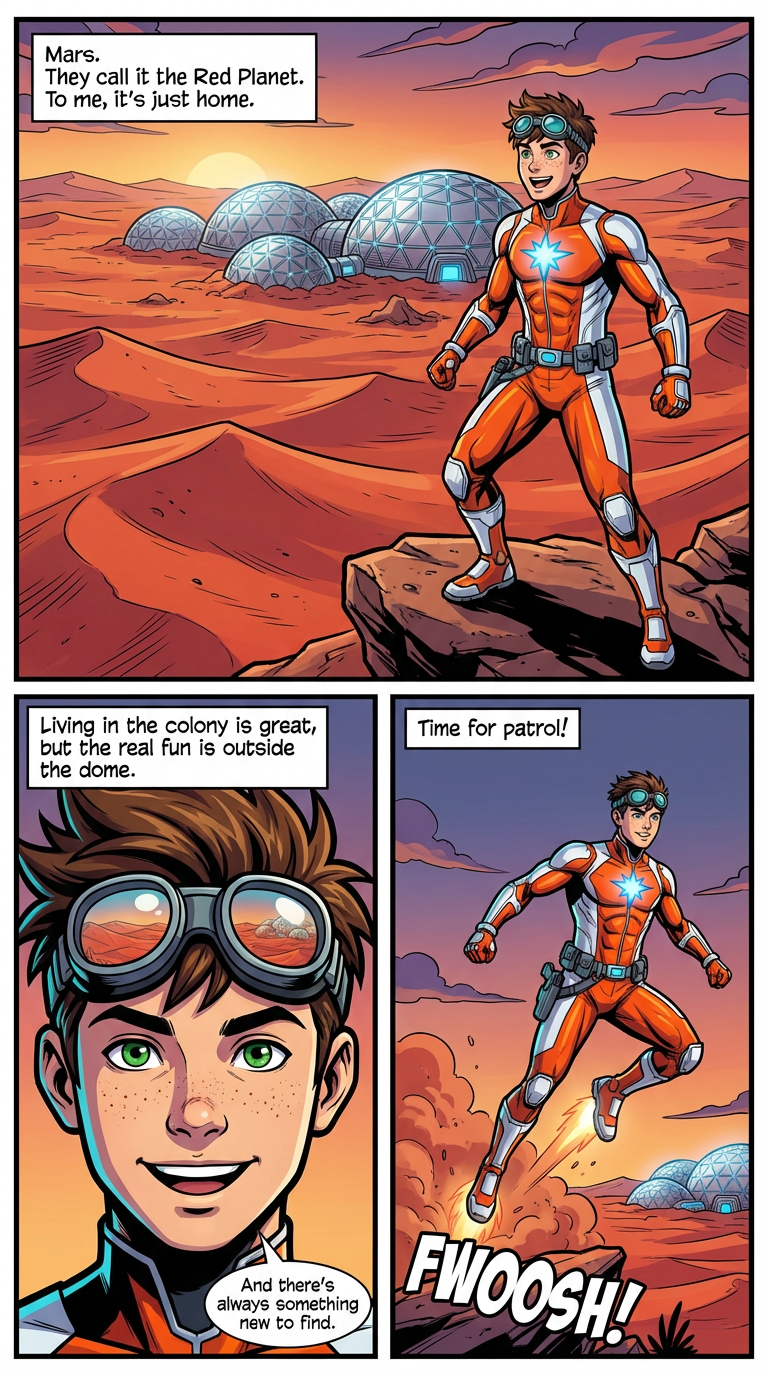
Character drift is the classic AI comic failure: a hero with blue eyes on page one and brown on page three. Here's how ComicKnit's pipeline keeps characters, places, and even explainer subjects consistent from the cover to the last panel.
Before any page is drawn, ComicKnit designs a reference image for every character, location, and prop in the script. Explainers get references for recurring subjects too, such as an organism, machine, or historical figure.
Each page is generated with the relevant references attached in a fixed, labeled order that matches the page prompt, so the model knows which image is which character.
Library elements you @mention are locked to their saved design, and a series can lock its art style and page shape. Consistency carries from one comic to the next, not just within one.
Make a comic with consistent characters →A structured script lists every character, location, prop, and subject with a detailed visual description.
One canonical image is generated for each, and you can review and regenerate them.
Each page is drawn with its references attached, keeping designs aligned.
Regenerate any single page without touching the rest of the comic.
Lalit Mangal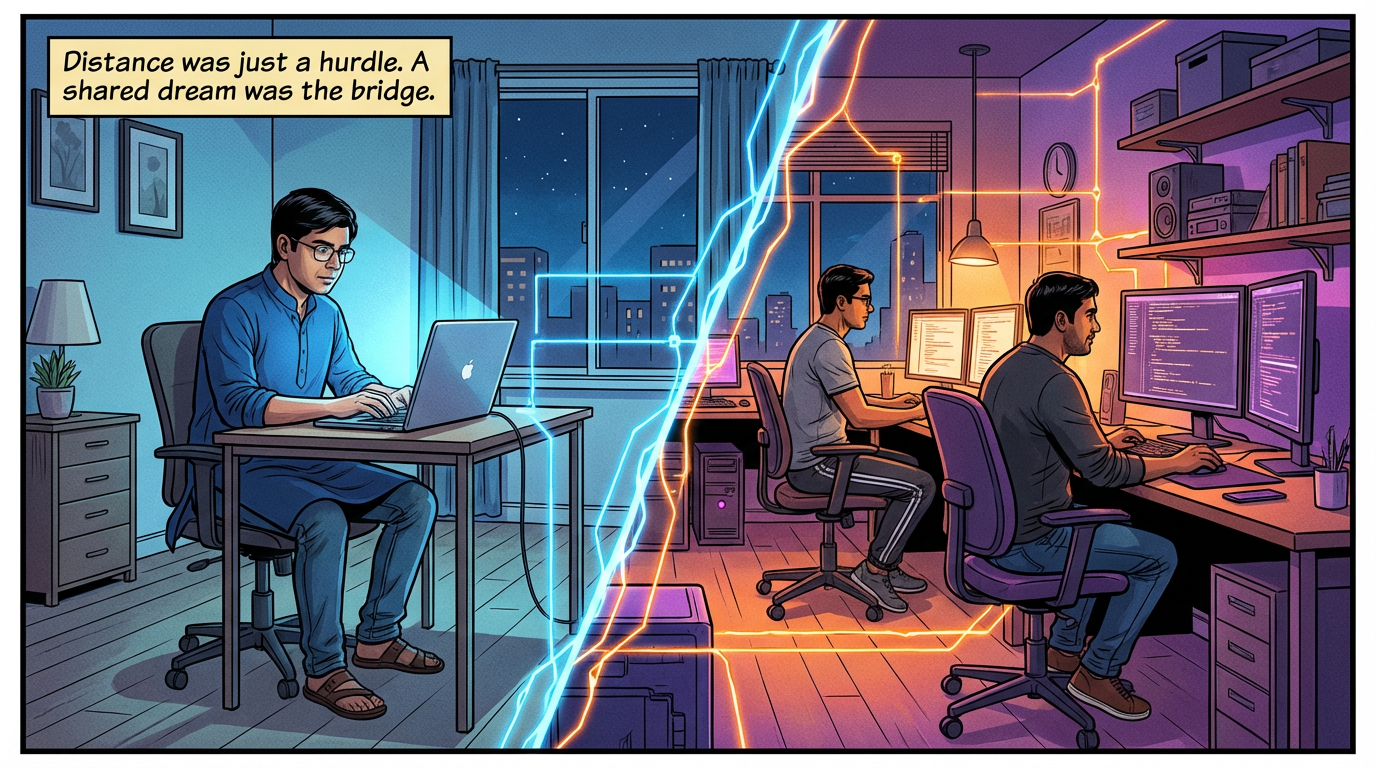 Lalit Mangal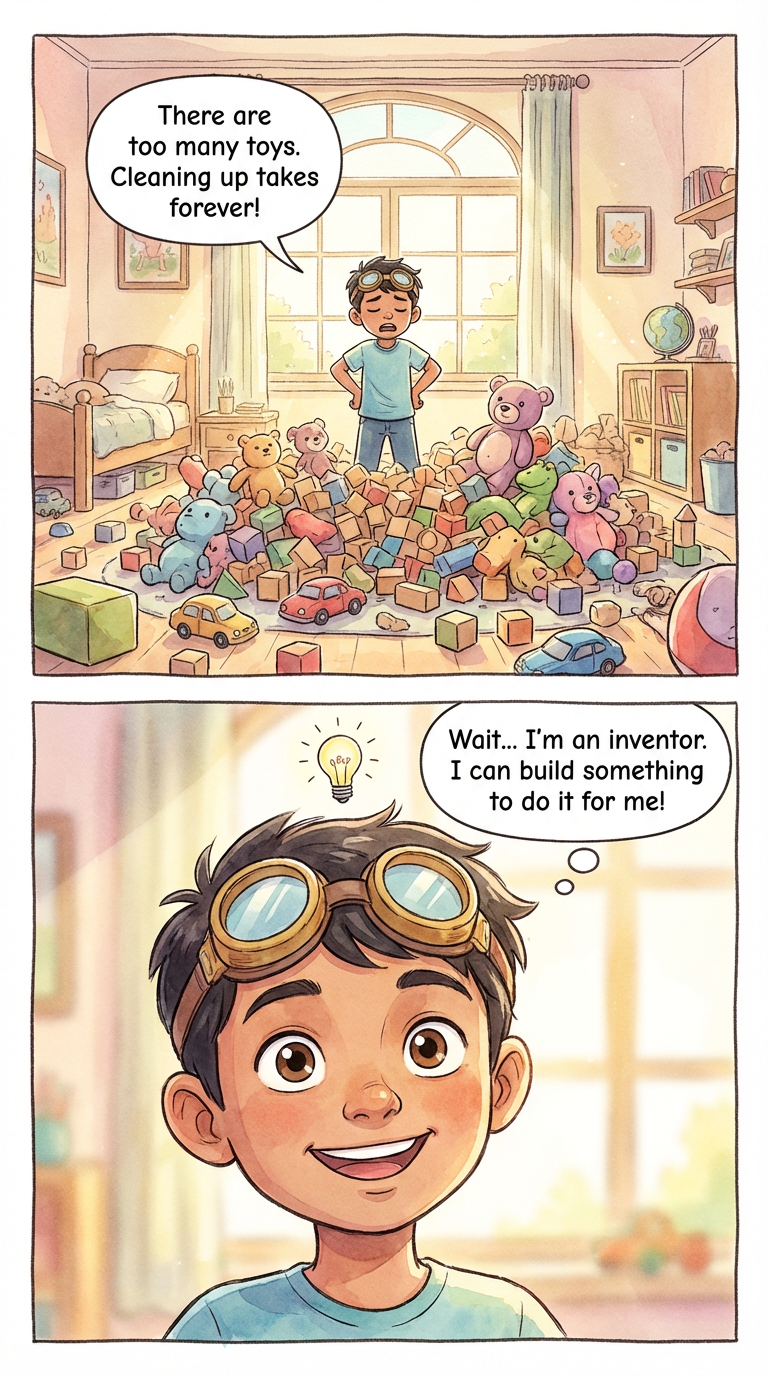
 Ashish Batra
 Lalit Mangal
 Ashish Batra
 Lalit Mangal
It's far more consistent than drawing each panel independently, but AI images can still slip on small details. If a page is off, regenerate just that page.
Yes. Animals, robots, creatures, and mascots are treated the same way, with a reference image that every page follows.
Yes. Locations get their own reference images, so a recurring place like a classroom or a spaceship bridge keeps its layout and mood.
Yes. Upload an image to a character or other visual element in your library and ComicKnit uses it as the reference.
Make AI comics where characters keep the same face, hair, and outfit on every page. ComicKnit draws reference art first, then reuses it on each page.
Design original comic characters with AI from a written description or your own image, save them to a library, and reuse them in every comic you make.
Create comic characters once and reuse them in every story. Save characters, places, and props to a library and @mention them to bring them back on-model.
Make comics with AI. ComicKnit turns your story idea into a fully illustrated comic book with consistent characters across every panel. Free to start.
More consistent characters: Consistent Character Comics · Reusable Comic Characters · Recurring Characters · Create Comic Characters · Mascot Comics
Explore more: Comic Explainers · Comic Series Maker · AI Comic Maker