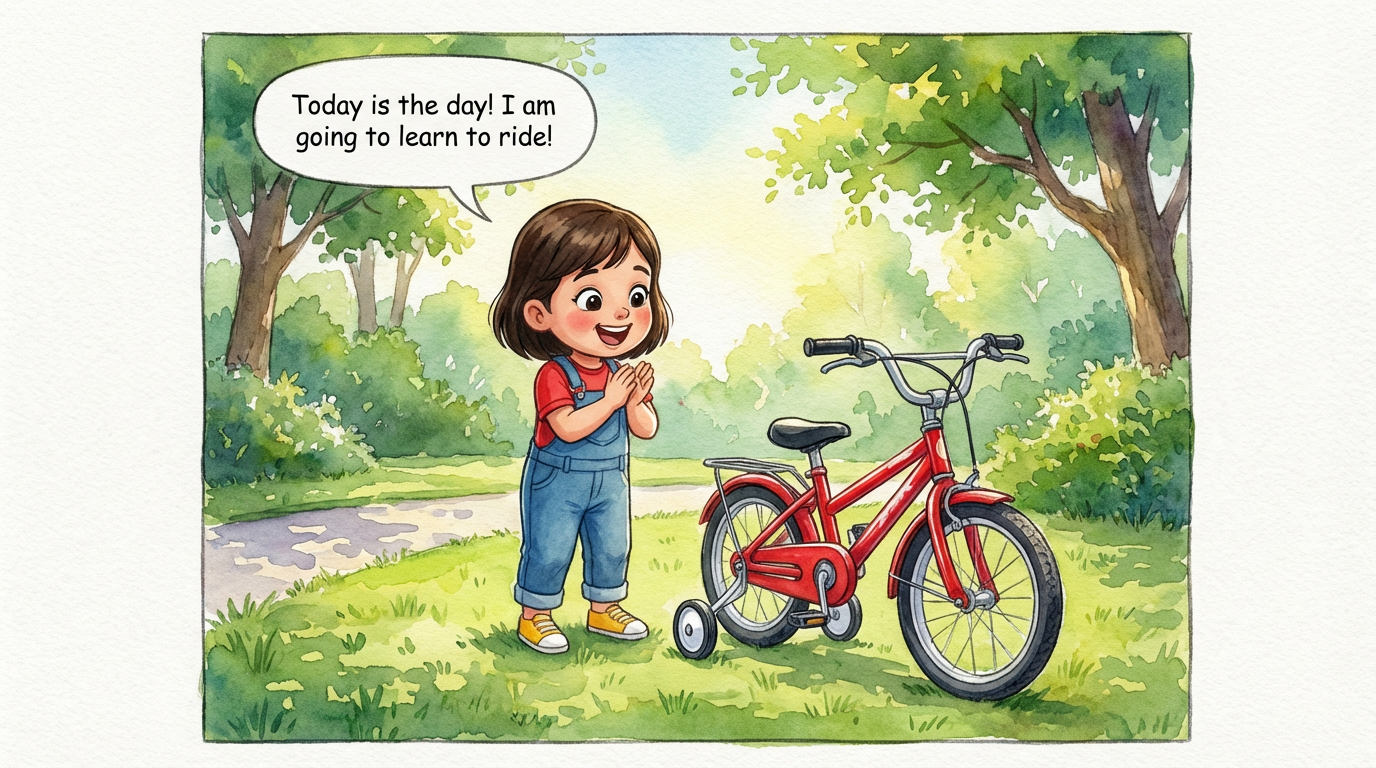
Dakshu's Big Ride
 Lalit Mangal
2
growing-upkids
General image generators are great at single pictures. A comic needs more: a story told across pages, the same characters on every page, panels, captions and speech bubbles. Here is how a dedicated comic generator like ComicKnit differs, and when each tool is the right pick.
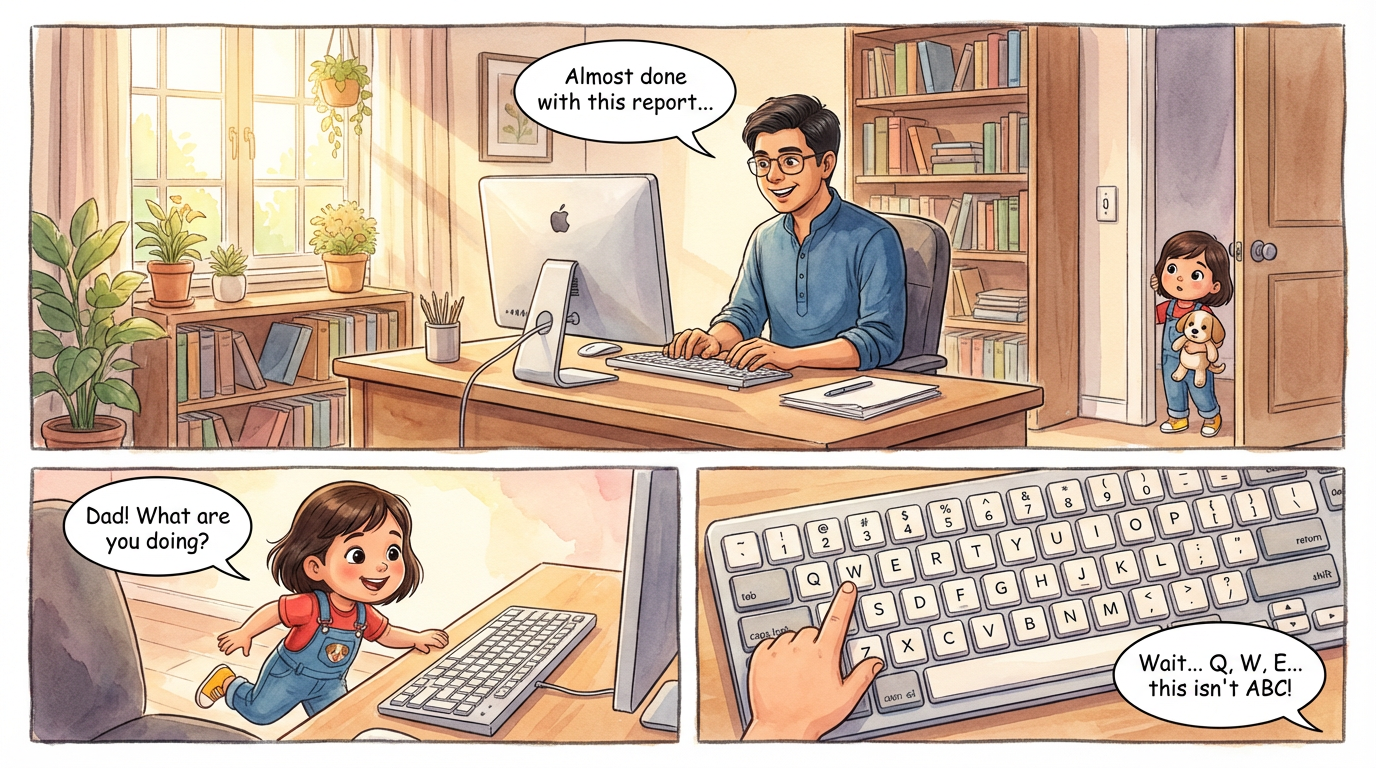
With an image generator you write a prompt for every panel and stitch the results together yourself. ComicKnit starts from a single story idea, writes a page-by-page script you can edit, then draws every page from it.
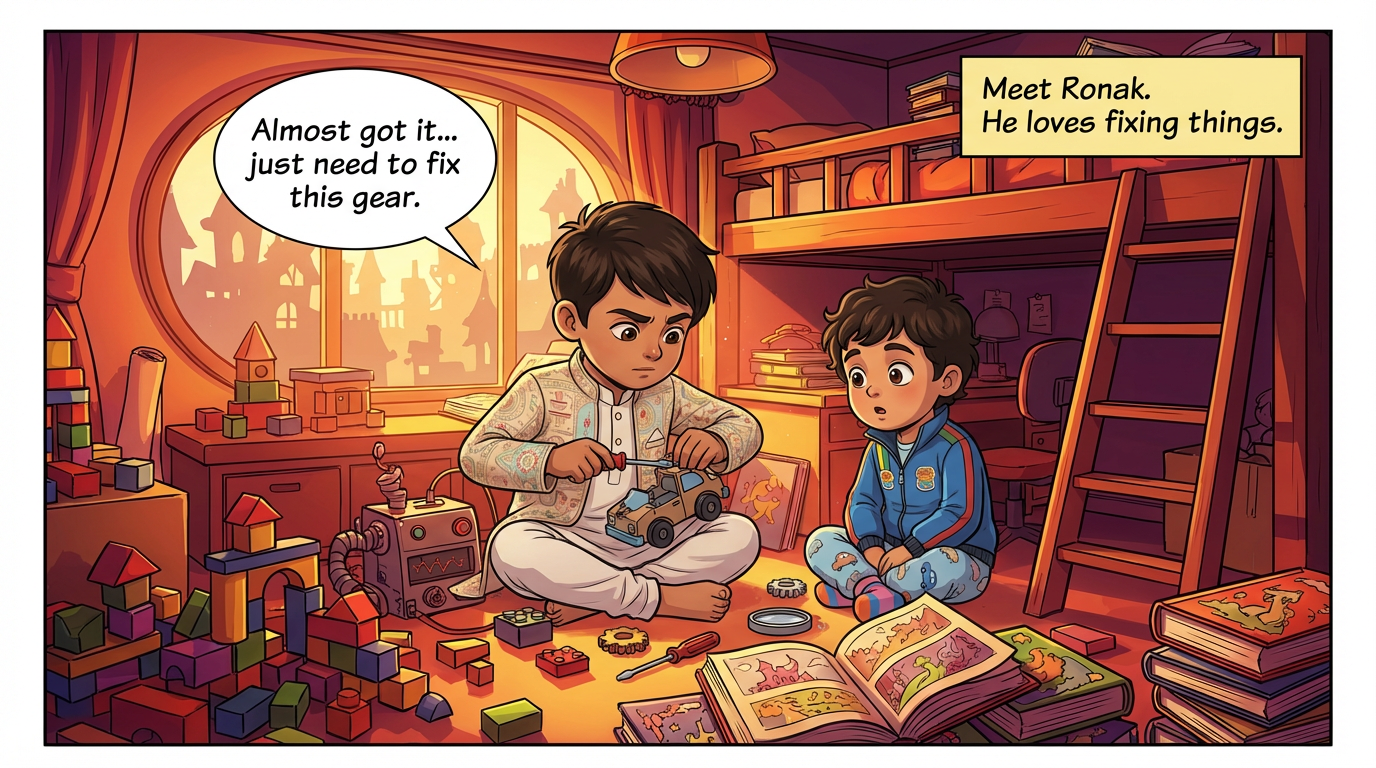
Turn a story into a comic →Keeping a face and outfit identical across many separate generations is the hardest part of making comics with an image generator. ComicKnit draws each character and location as a reference image first and uses those references for every page.
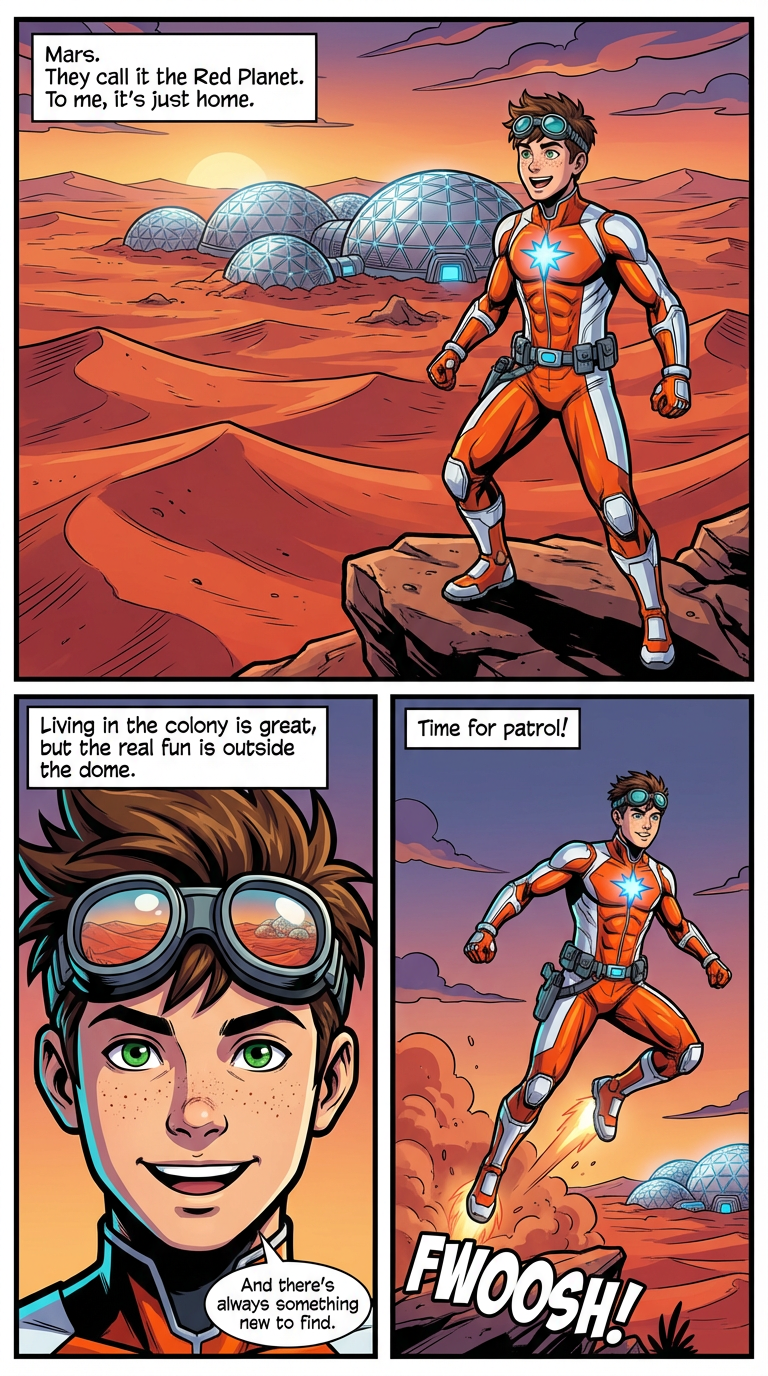
How character consistency works →A comic page is panels, narration boxes and speech bubbles, not a single image. ComicKnit lays out the page and letters the dialogue from the script, and the finished comic exports as a PDF or a ZIP of page images.
If you need one illustration, a poster or a single cover, a general image generator is simpler. Pick a comic generator when the story spans several panels or pages and the cast has to stay recognisable.
Type a one-line idea or paste a longer story.
Edit pages, panels and dialogue before anything is drawn.
Characters and locations are drawn first, then every page uses them.
Lalit Mangal Lalit Mangal
 Ashish Batra
 Lalit Mangal
 Ashish Batra
 Lalit Mangal
Yes, panel by panel, but you write every prompt, keep characters consistent yourself, and assemble the pages and lettering by hand. A comic generator automates the script, references, layout and lettering.
It draws reference images for each character and location before the pages and conditions every page on them, then checks each page against the references and redraws mismatched characters.
Between 3 and 30 pages, with 10 as the default. You can also choose Auto length and let the script decide.
Yes. New accounts get 200 free credits, enough for a few first comics.
Make comics with AI. ComicKnit turns your story idea into a fully illustrated comic book with consistent characters across every panel. Free to start.
Consistent AI characters across comic panels: canonical reference images, labeled conditioning for every page, locked library designs, and style locks.
Drawing by hand gives full control; an AI comic maker gets a story onto the page in minutes. Compare time, skills, control and cost to choose the right approach.
Storyboard tools plan shots for film and video; a comic maker produces finished, lettered pages to read and share. Compare outputs, workflow and use cases.
More comparisons: AI Comics vs Drawing by Hand · Comic Maker vs Storyboard Tools
Explore more: Comic Explainers · Consistent Character Comics · Comic Series Maker · AI Comic Maker · Comics for Teachers