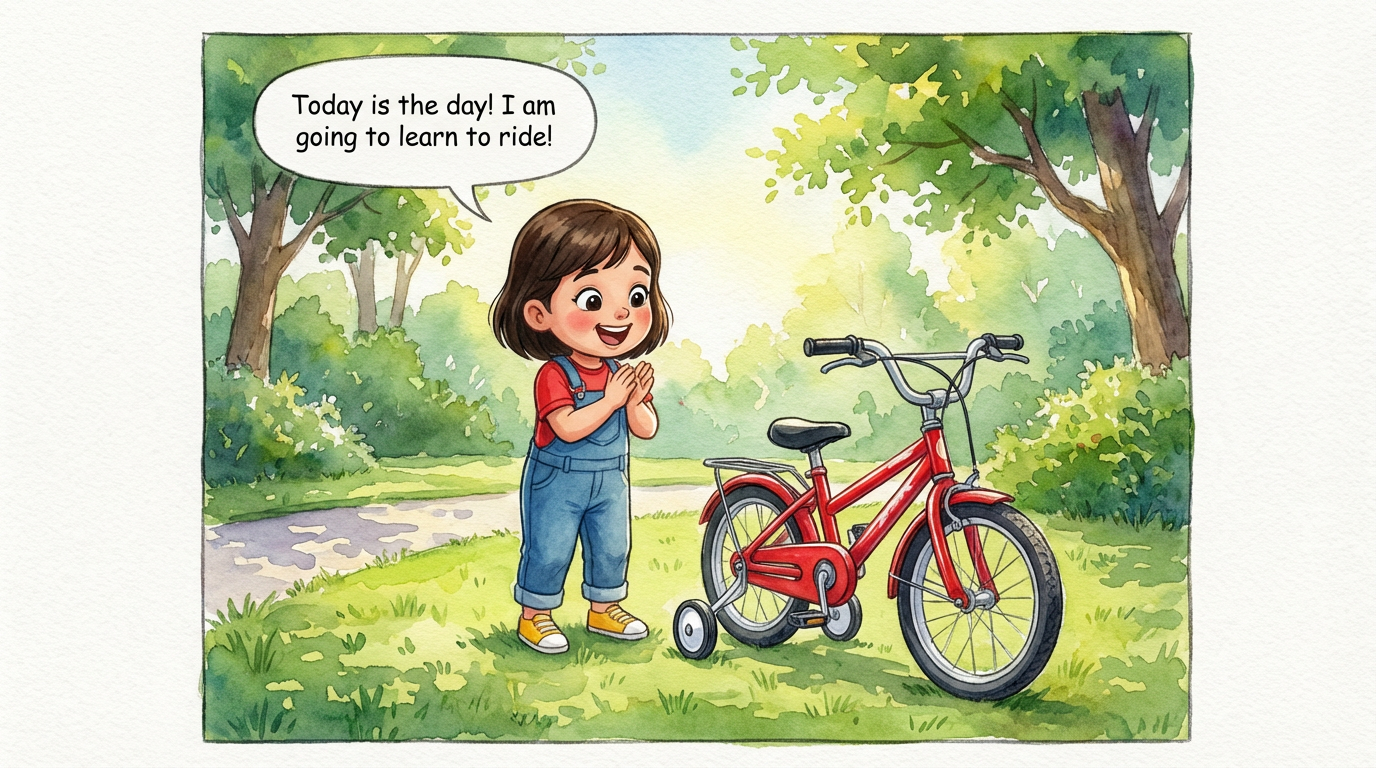
Dakshu's Big Ride
 Lalit Mangal
2
growing-upkids

Great series are planned. ComicKnit's arc planner lets you lay out upcoming episodes as short beats, reorder them as the story evolves, and start any beat as a fully drafted episode with your cast and series settings already in place.
Write each future episode as one short beat and drag them into order. Each beat moves from planned to in progress to done as you create it.
Start an episode from a beat and the create form opens with the beat text, series cast, and style defaults filled in. Edit freely before you generate.
Set up a series →Beats work alongside the story-so-far summaries and open threads, so planned episodes still account for what actually happened.
Series continuity →Paste one of these into the create form, or write your own.
Lalit Mangal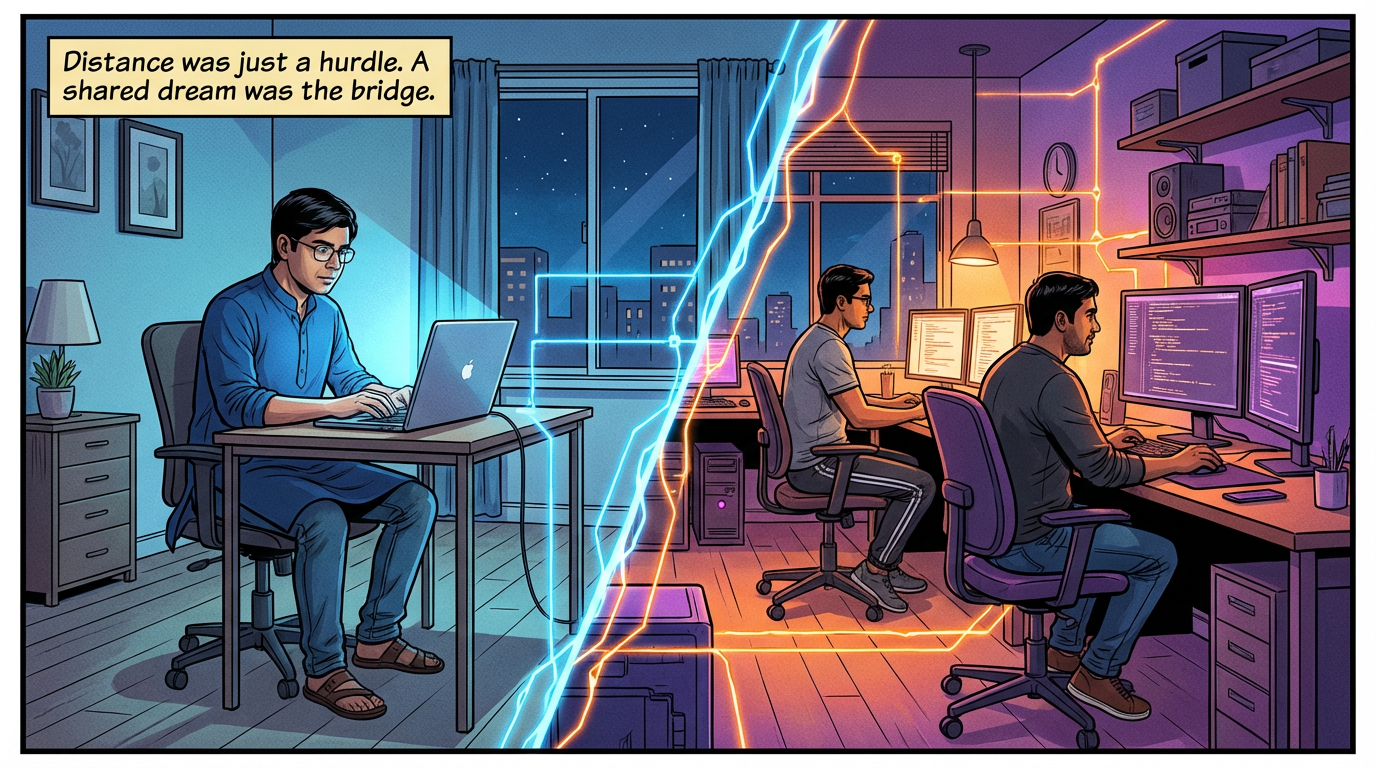 Lalit Mangal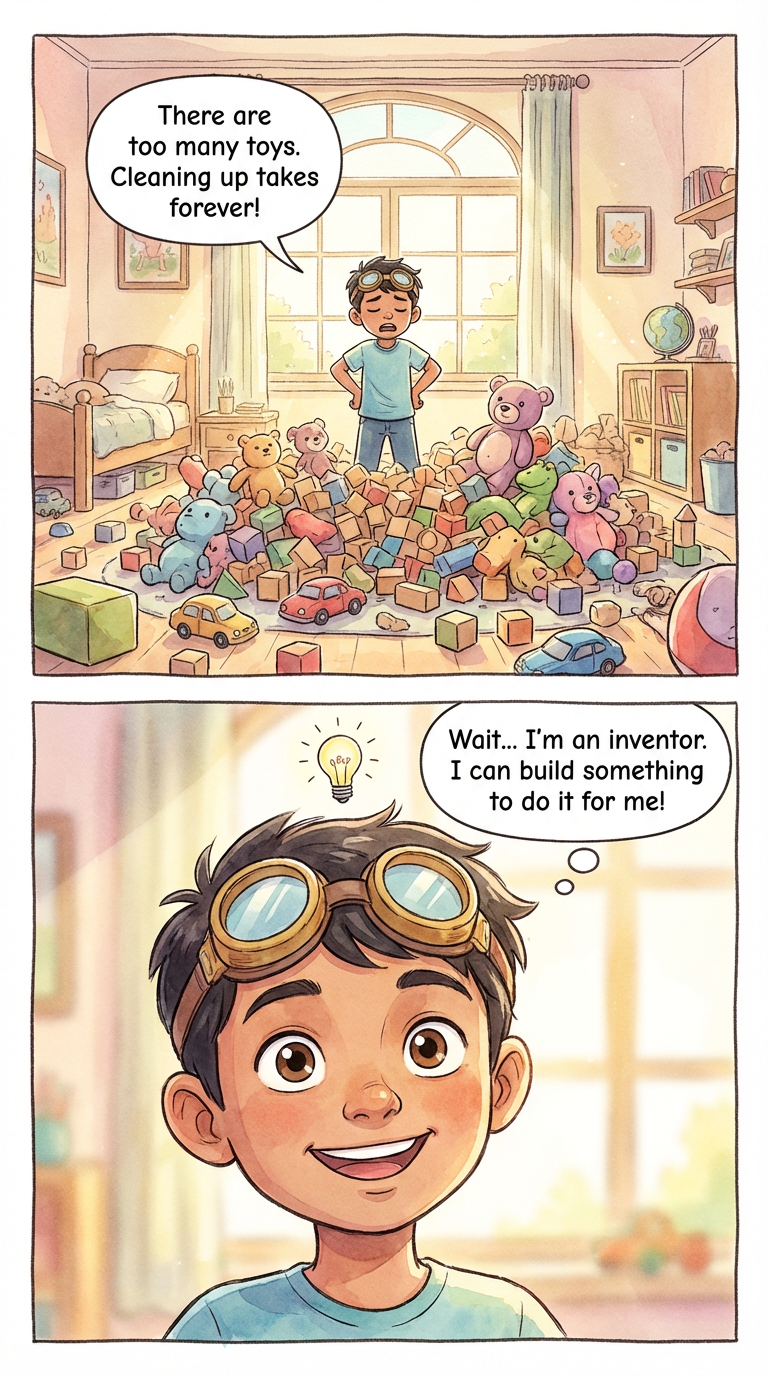
 Ashish Batra
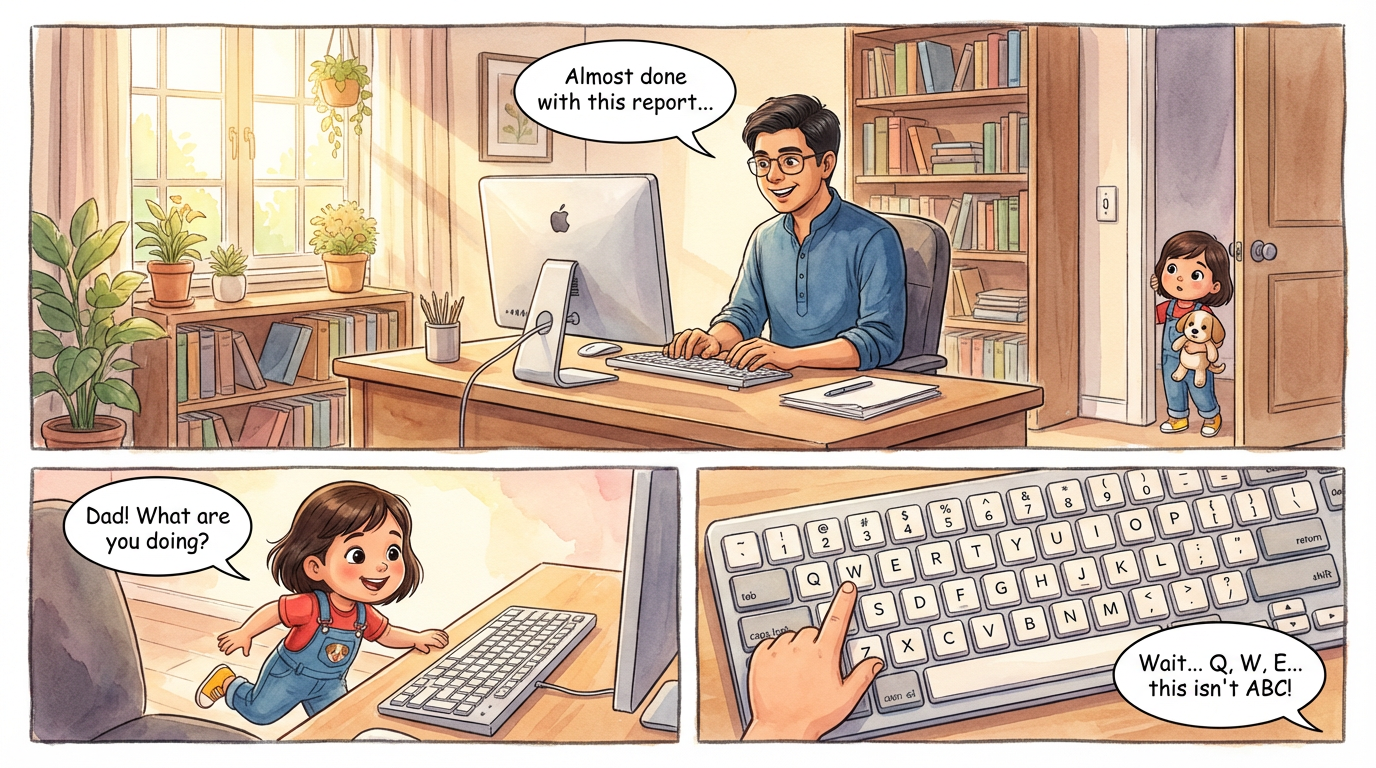 Lalit Mangal
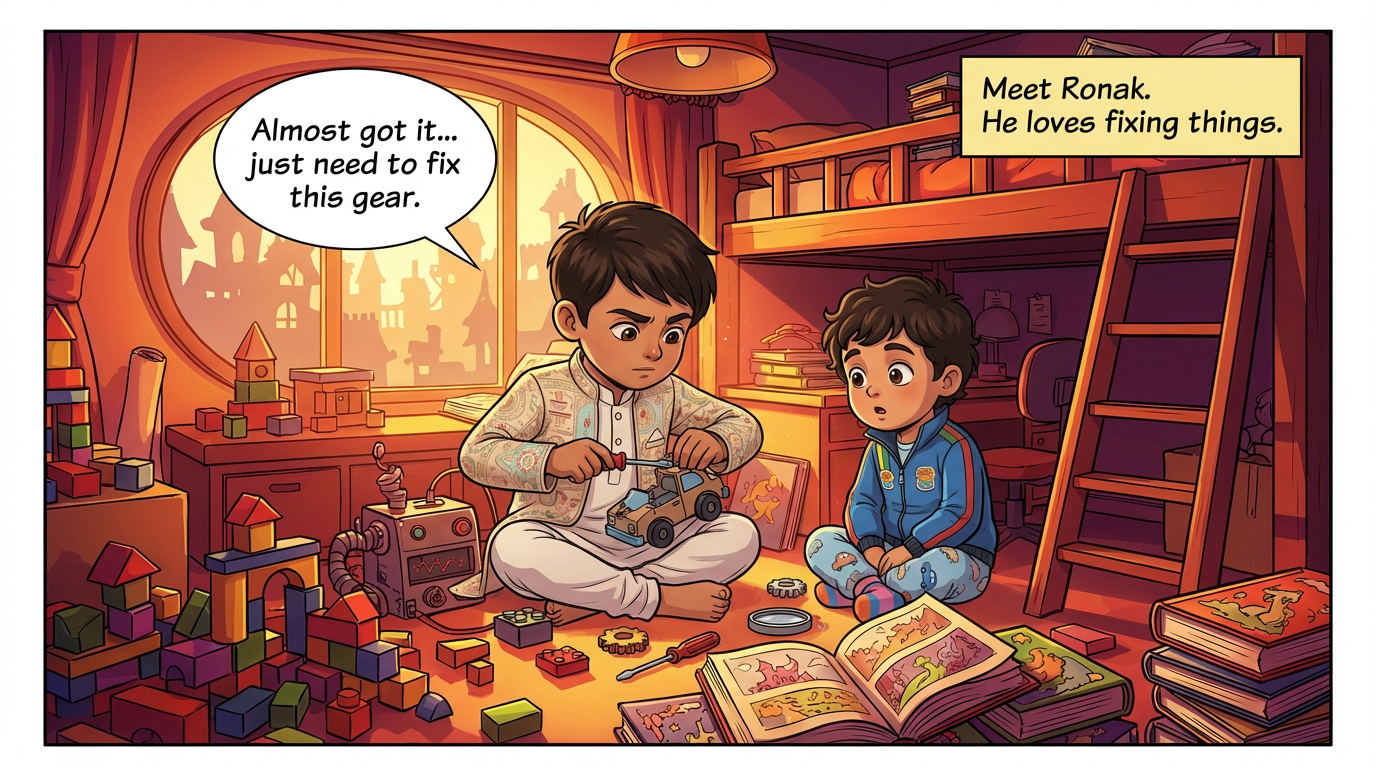 Ashish Batra
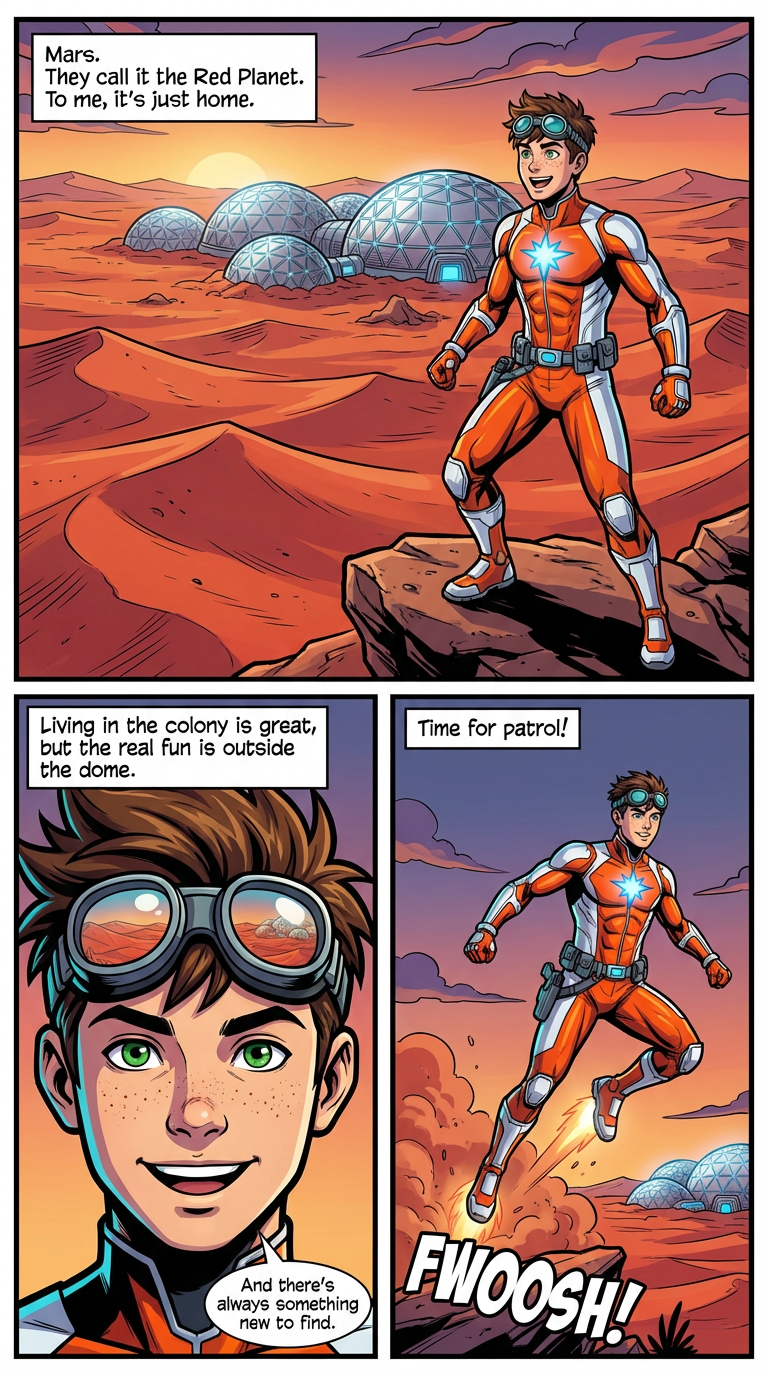 Lalit Mangal
No. Deleting a beat removes only the plan; a comic created from it stays intact.
Yes. Beats can be lesson topics, and each episode can be made in explainer mode.
Yes. The planner is optional; you can always start an episode from a blank idea.
Yes. Add, edit, reorder, or remove beats at any point.
Create a comic series with AI: a pinned cast, a series bible, story-so-far continuity, an arc planner, and a public series page readers can subscribe to.
Keep continuity across comic episodes: automatic story-so-far summaries, open plot threads, series-only character states, and a series bible for world rules.
Build a series of educational comics for kids with one recurring guide character. Each lesson is an explainer comic; the host and style stay consistent.
Create and publish a webcomic with AI. Keep recurring characters on-model, release episodes to a public series page, and let readers subscribe. Free to start.
More comic series: Comic Series Maker · Webcomic Creator · Series Continuity · Educational Comic Series
Explore more: Comic Explainers · Consistent Character Comics · AI Comic Maker