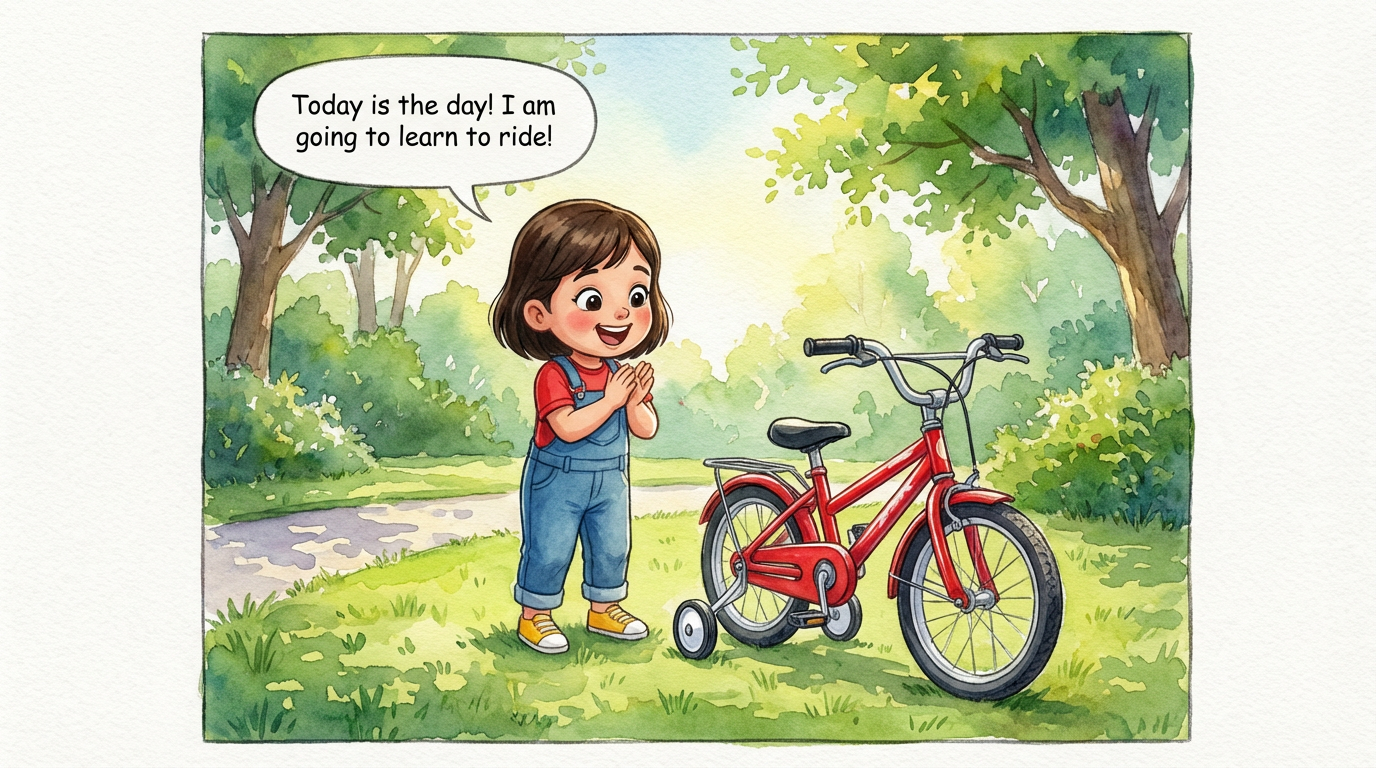
Dakshu's Big Ride
 Lalit Mangal
2
growing-upkids
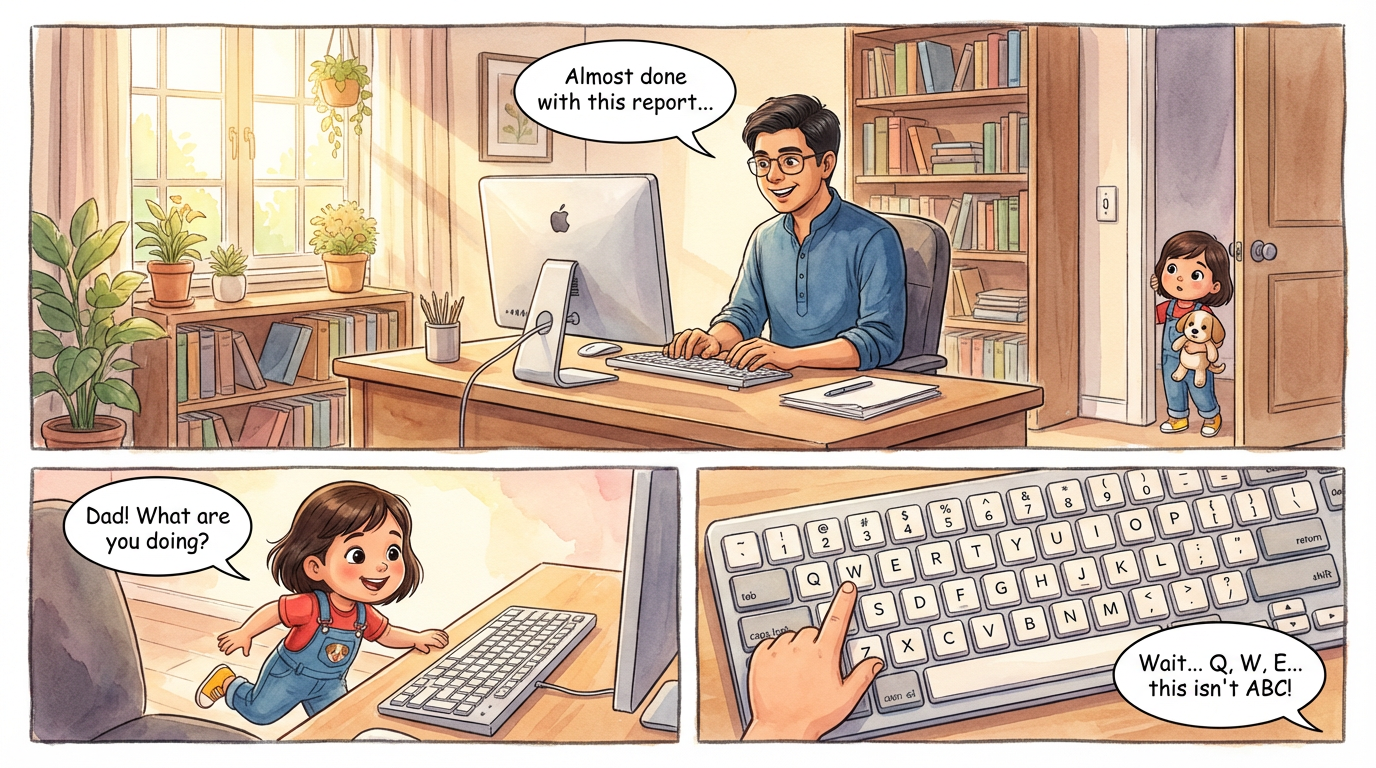
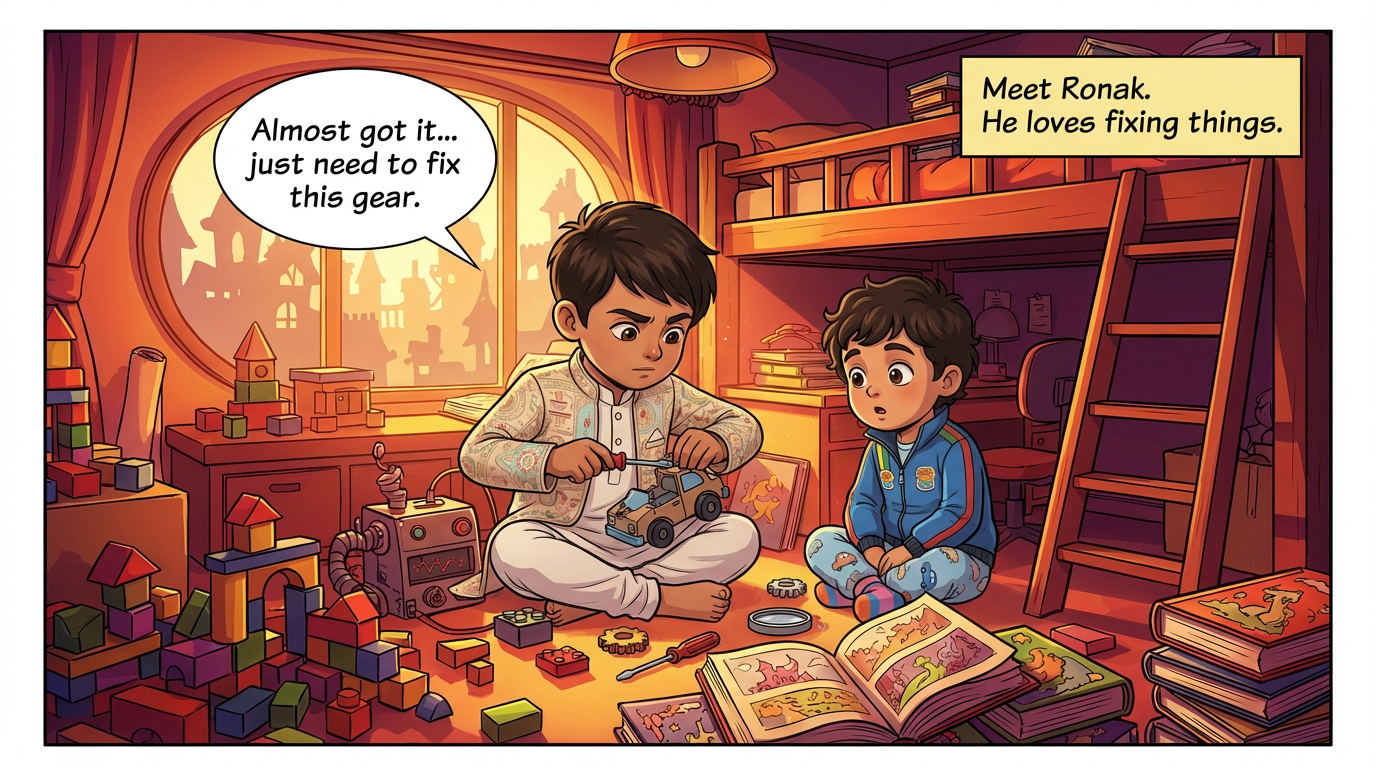
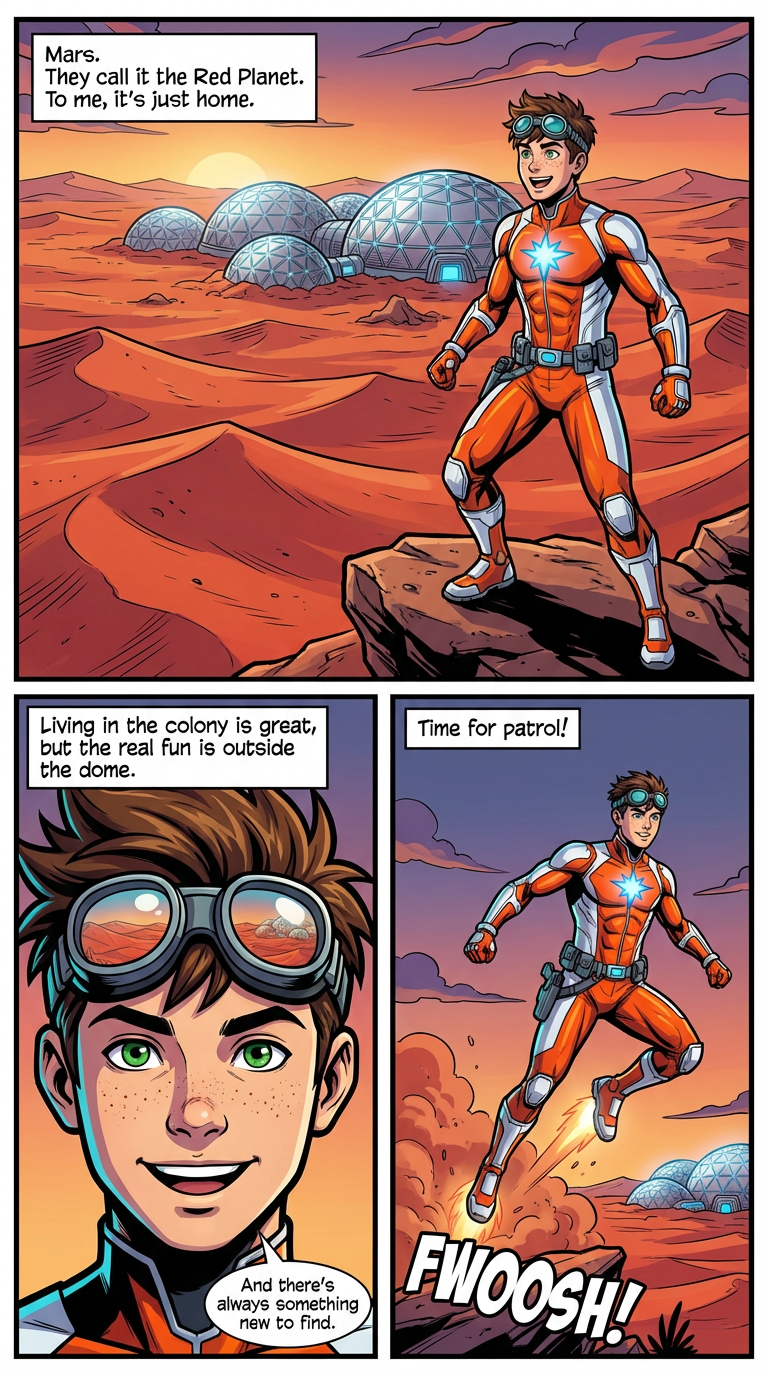
Stop redesigning your hero every time you start a new comic. In ComicKnit, characters, locations, and props live in a personal elements library. Mention one by @name and it arrives with its saved look, ready to star in a new story.
Characters, locations, props, and text notes are saved as elements. Visual elements keep an image you can regenerate or replace with your own upload, so the library holds the canonical version of each design.
Design custom comic characters →While writing a story or explainer brief, type @ and pick from your library. ComicKnit locks that element's design into the script and uses its image as the reference for every page it appears on.
Weekly strips, brand mascots, classroom guides, and multi-episode series all need the same character to come back reliably. A reusable library is what makes that practical.
Make comics with a brand mascot →Save a character from a finished comic, or add one to your library with a description or an uploaded image.
Write your next comic and type @ to insert the character. Mentioned elements are locked to their saved design.
ComicKnit reuses the saved reference, so the character looks the same as last time.
Paste one of these into the create form, or write your own.
Lalit Mangal Lalit Mangal
 Ashish Batra
 Lalit Mangal
 Ashish Batra
 Lalit Mangal
Characters, locations, props, and text notes. Characters, locations, and props keep an image; text notes add written context such as lore or rules.
Yes. Visual elements can use an uploaded image as their reference, or you can generate and regenerate one with AI.
Yes. In guided explainer mode, @mention a saved character and it can act as the one on-page host who walks readers through the topic.
Yes. When a saved character already has a usable reference image, ComicKnit can reuse it instead of generating a new one.
Keep recurring characters looking the same in every strip, episode, and lesson. ComicKnit reuses saved character designs so your cast stays on-model.
Design original comic characters with AI from a written description or your own image, save them to a library, and reuse them in every comic you make.
Make AI comics where characters keep the same face, hair, and outfit on every page. ComicKnit draws reference art first, then reuses it on each page.
Turn your mascot into a recurring comic host. Make on-brand explainer comics, onboarding guides, and social strips where the mascot stays on-model every time.
More consistent characters: Consistent Character Comics · Recurring Characters · AI Character Consistency · Create Comic Characters · Mascot Comics
Explore more: Comic Explainers · Comic Series Maker · AI Comic Maker