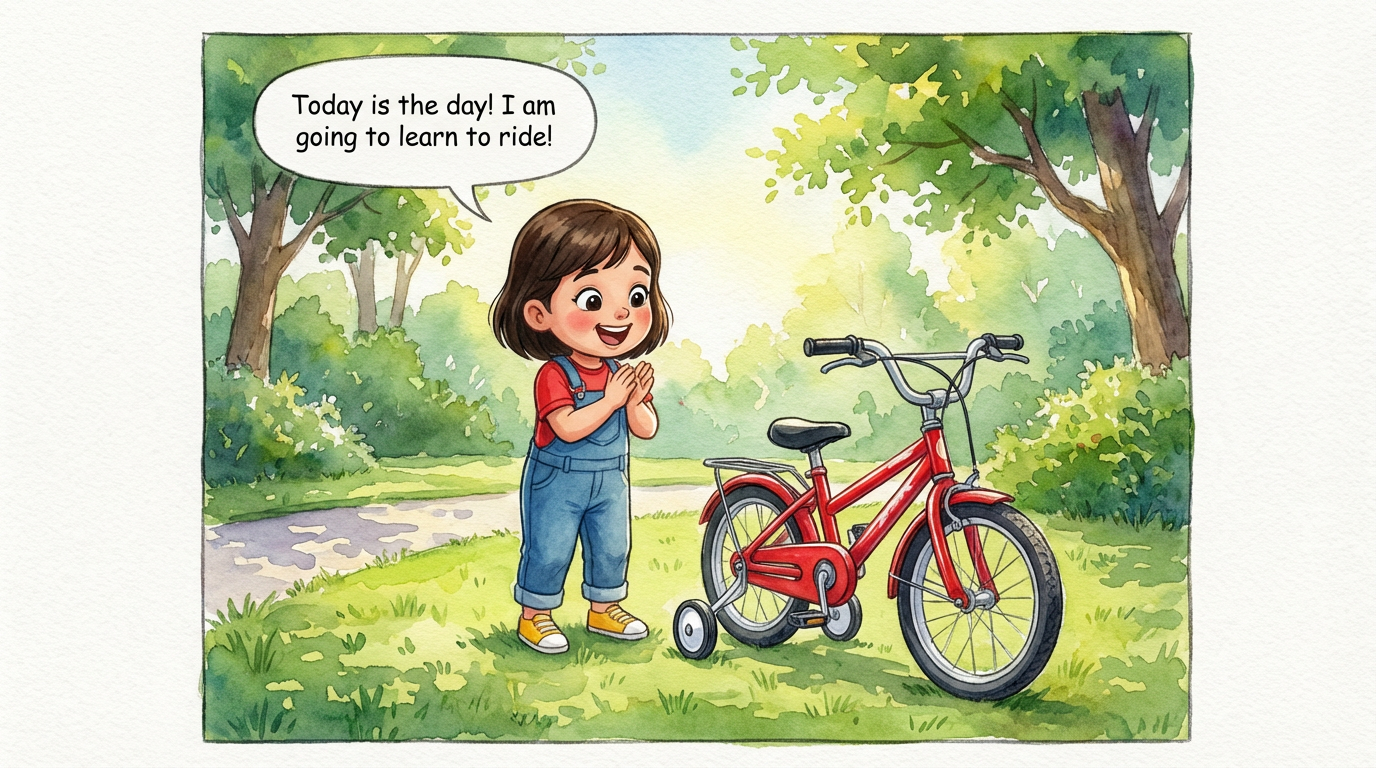
Dakshu's Big Ride
 Lalit Mangal
2
growing-upkids

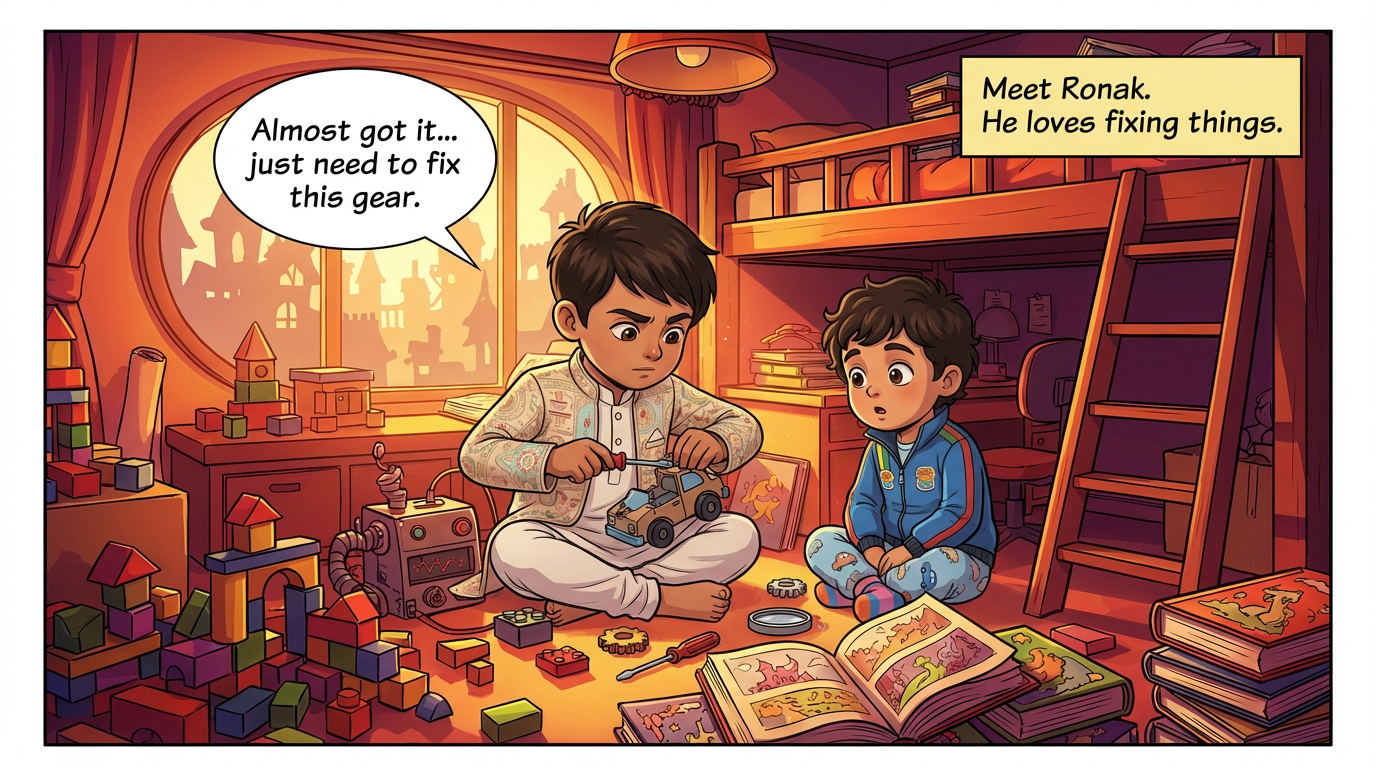
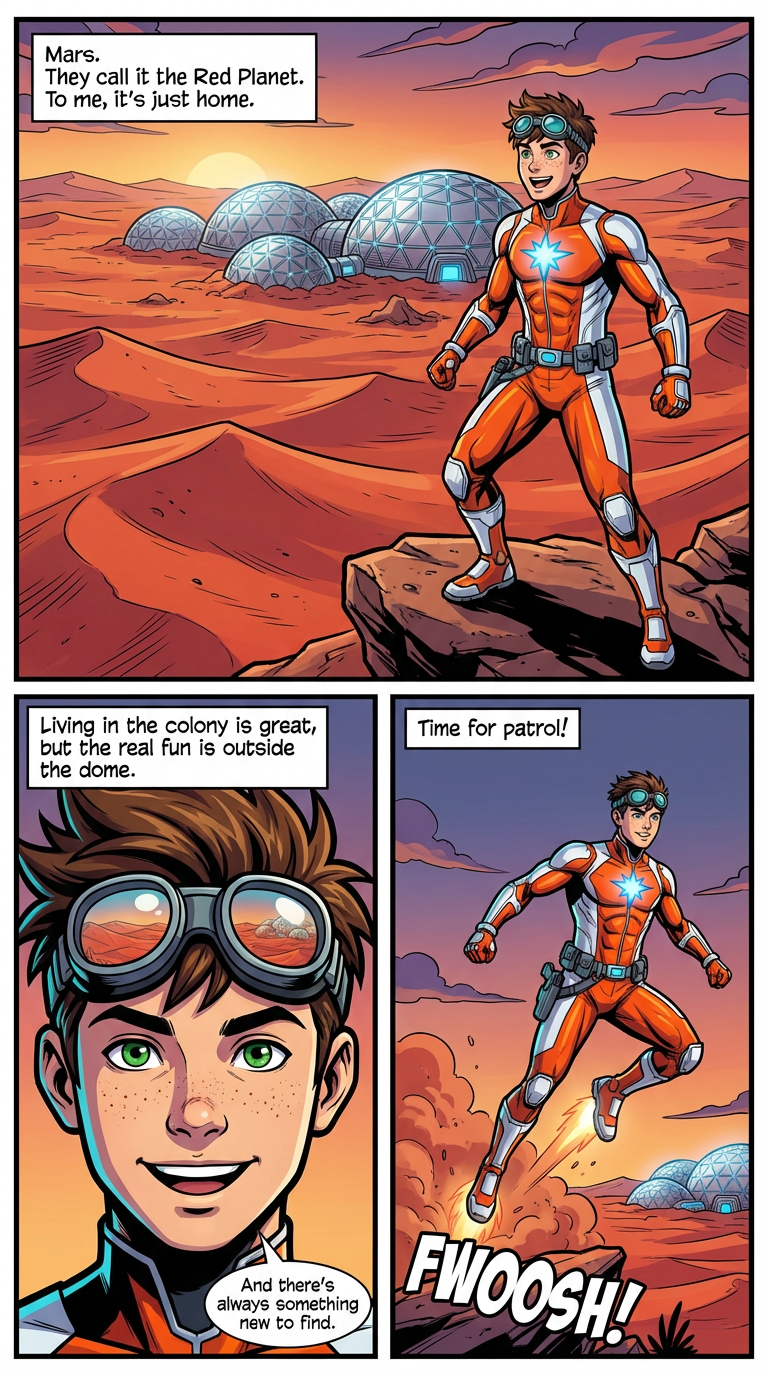
ComicKnit is built for serialized storytelling. Group comics into a series, pin a recurring cast, write down the world's rules once, and let every new episode pick up where the last one ended, with the same characters and the same look.
Record world rules and tone in a series bible, optionally lock the art style and page shape, and pin the characters who belong in every episode. New episodes start pre-filled with all of it.
Why the cast stays consistent →When an episode is finished, ComicKnit writes a private summary with how it ended, what changed, and which threads are still open. The next episode's script is written with that story-so-far in view.
How series continuity works →Plan future episodes as ordered beats, start an episode from a beat in one click, and publish to a public series page with episode order, reading progress, and subscriptions.
Plan a story arc →Name it, set the tone and world rules, and choose whether to lock the art style.
Add recurring characters, places, and props from your library.
Write the first episode; the series defaults fill in the rest.
Each new episode builds on the story so far. Publish as you go or all at once.
Lalit Mangal Lalit Mangal
 Ashish Batra
 Lalit Mangal
 Ashish Batra
 Lalit Mangal
Yes. Each episode chooses story or explainer mode, so a series can be a serialized adventure or a sequence of lessons with a recurring host.
Yes. Public series pages list episodes in the order you set, remember where signed-in readers left off, and offer a Start or Continue button.
Yes. Export completed episodes together as a compiled PDF volume or a ZIP of pages.
Yes. Reorder, add, or remove episodes from the series manager at any time.
Keep continuity across comic episodes: automatic story-so-far summaries, open plot threads, series-only character states, and a series bible for world rules.
Plan a comic series arc as ordered episode beats, then turn each beat into a finished episode with your recurring cast. Free AI comic series planner.
Create and publish a webcomic with AI. Keep recurring characters on-model, release episodes to a public series page, and let readers subscribe. Free to start.
Build a series of educational comics for kids with one recurring guide character. Each lesson is an explainer comic; the host and style stay consistent.
Keep recurring characters looking the same in every strip, episode, and lesson. ComicKnit reuses saved character designs so your cast stays on-model.
More comic series: Webcomic Creator · Series Continuity · Story Arc Planner · Educational Comic Series
Explore more: Comic Explainers · Consistent Character Comics · AI Comic Maker