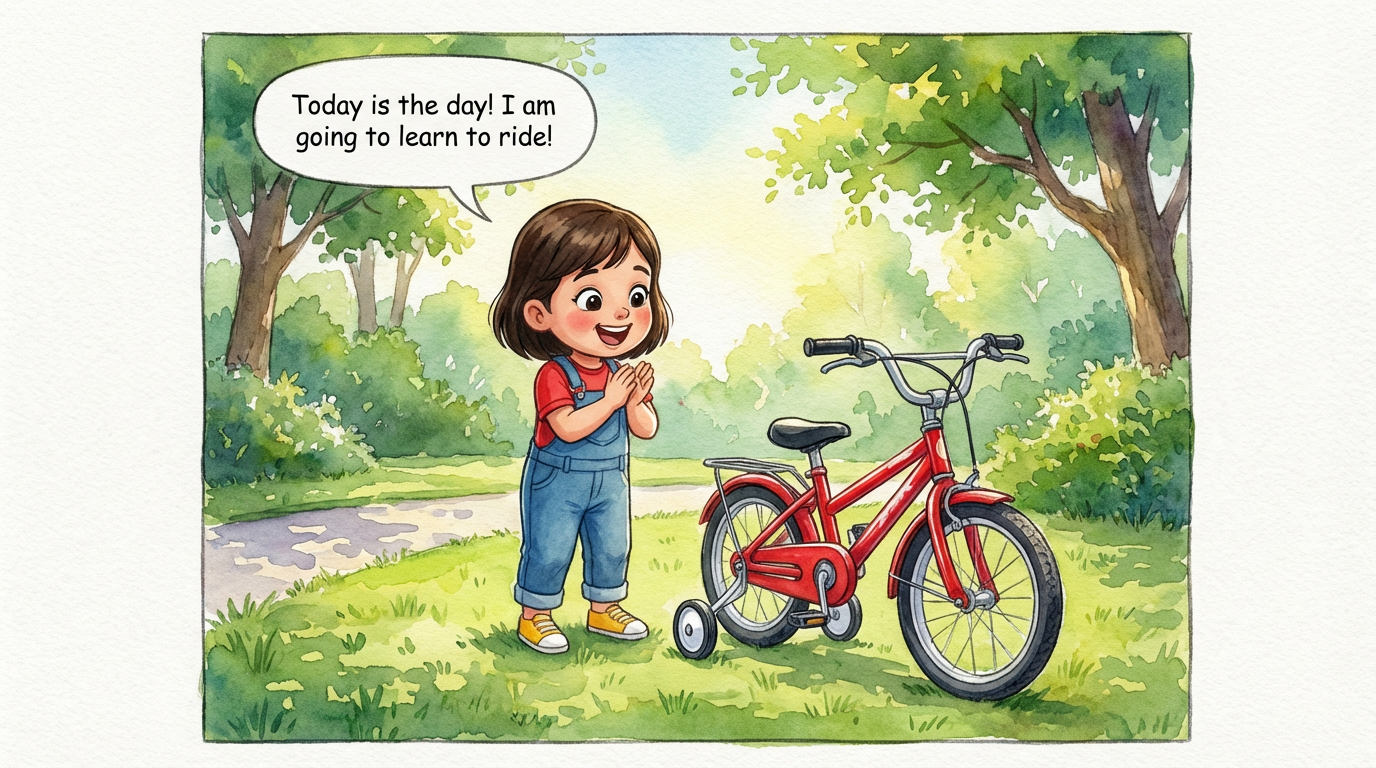
Dakshu's Big Ride
 Lalit Mangal
2
growing-upkids
A comic stops the scroll and explains a product faster than a wall of text. ComicKnit turns a brief into a finished comic with your mascot or product characters kept consistent across every page and campaign.
Upload your mascot artwork once and @mention it in any comic. It is used as the reference for every page, so it looks the same in every campaign.
Mascot comics →Guided explainers have one host who walks the reader through a feature, a setup flow or a before-and-after, with diagrams where they help.
Visual step-by-step guides →Square pages for social feeds, vertical for stories and phones, widescreen for slides, landing pages and email. Export PDFs, page images or slides.
Animate a finished comic into an MP4, shot by shot, for short-form video channels.
Paste one of these into the create form, or write your own.
Lalit Mangal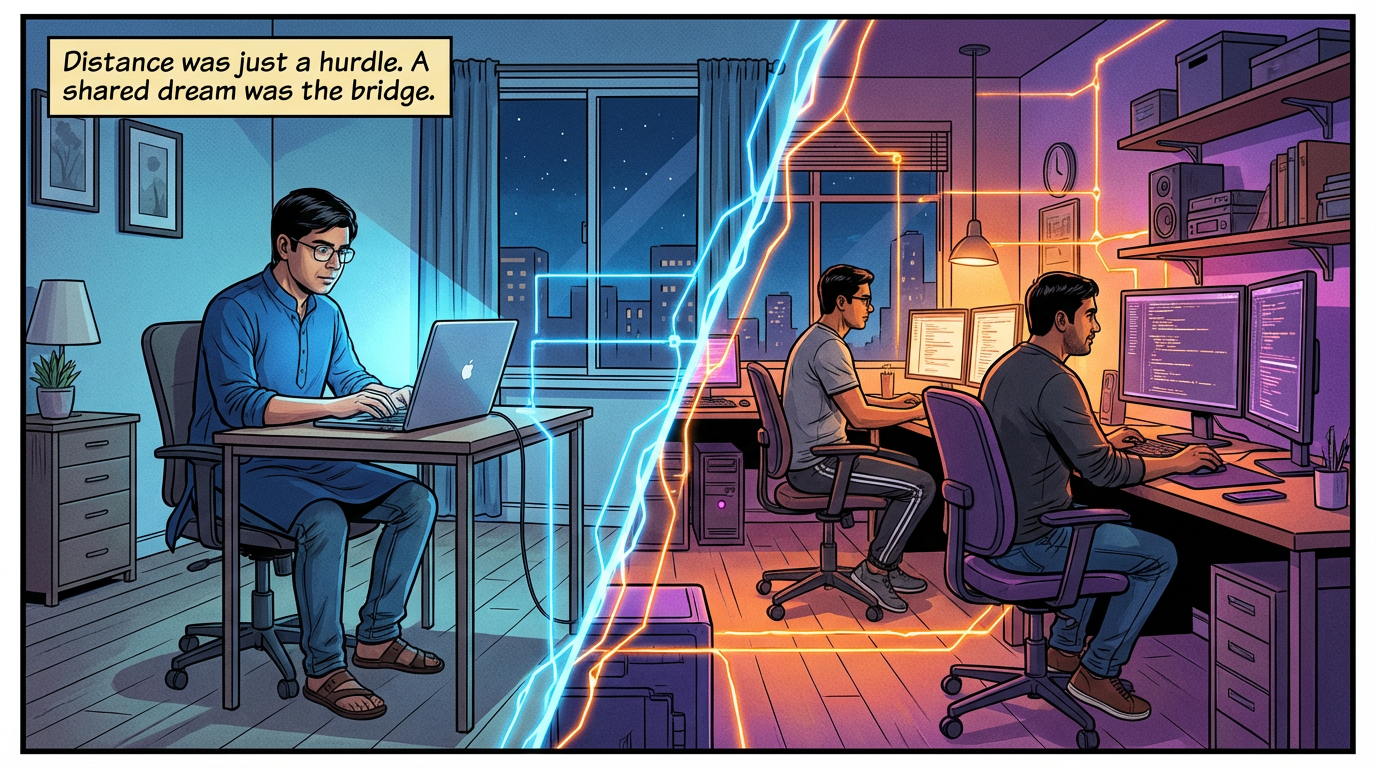 Lalit Mangal
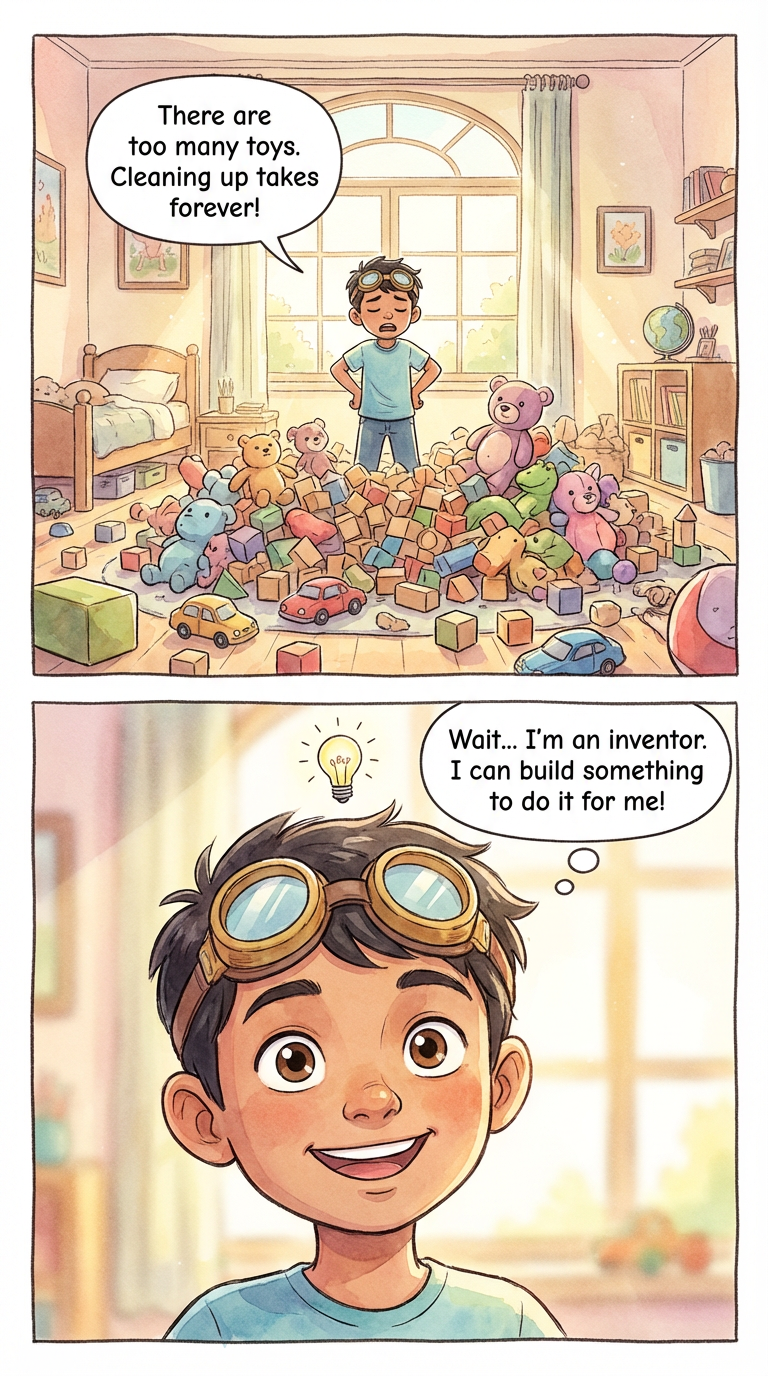
 Ashish Batra
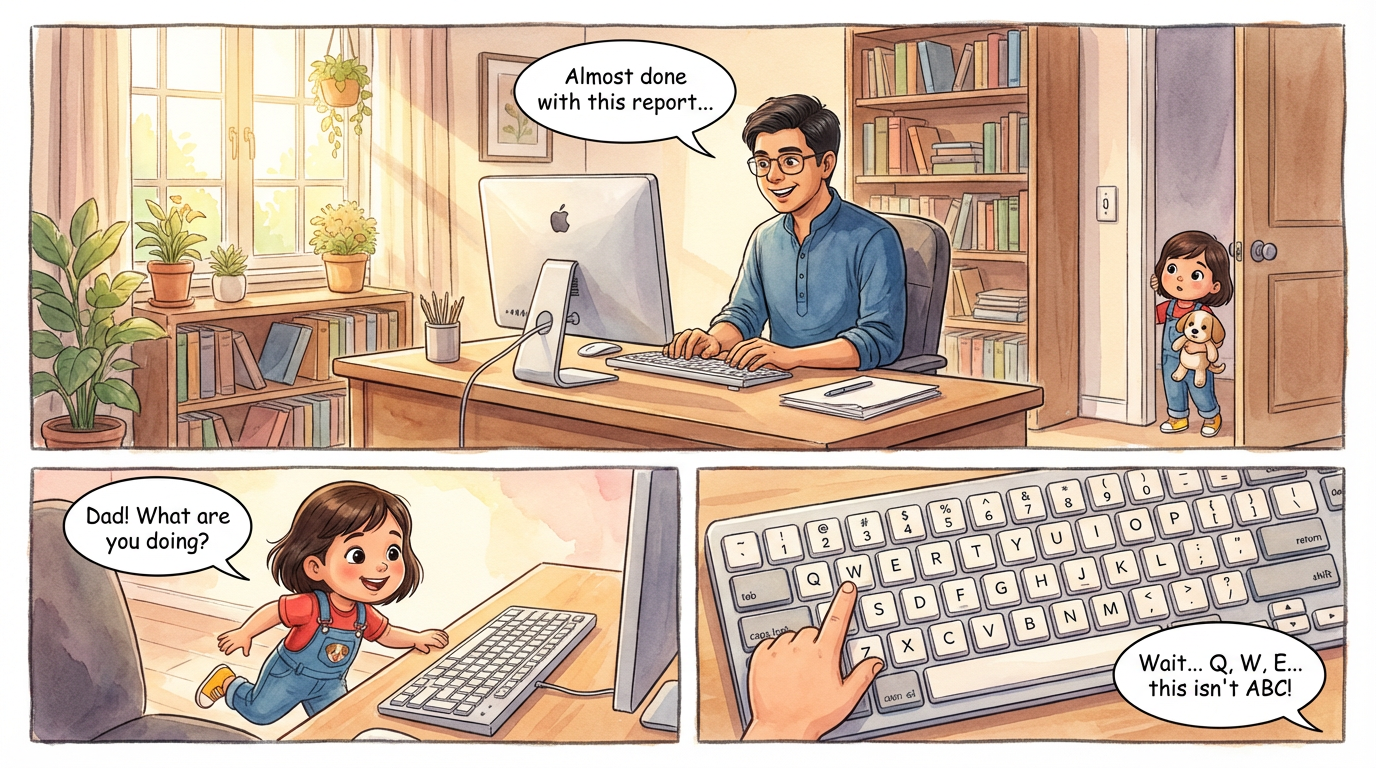 Lalit Mangal
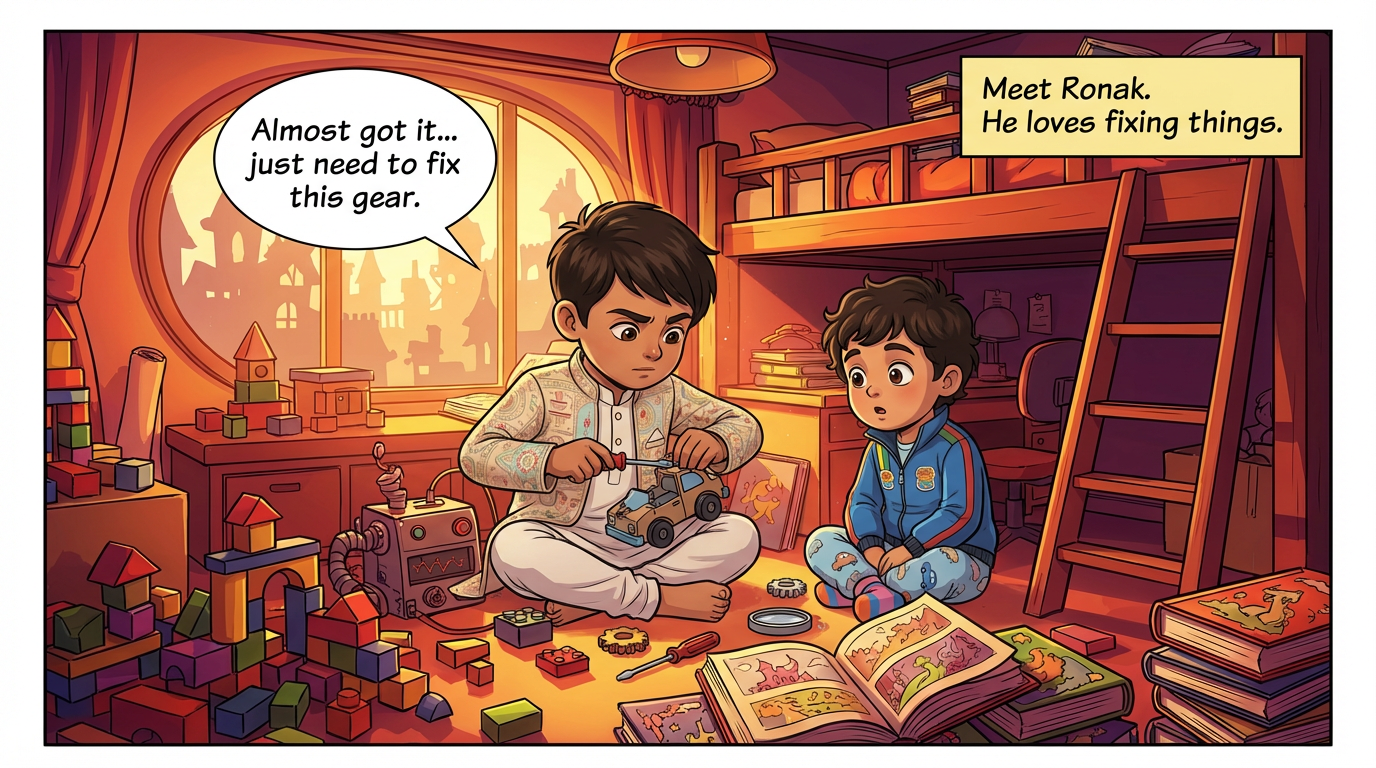 Ashish Batra
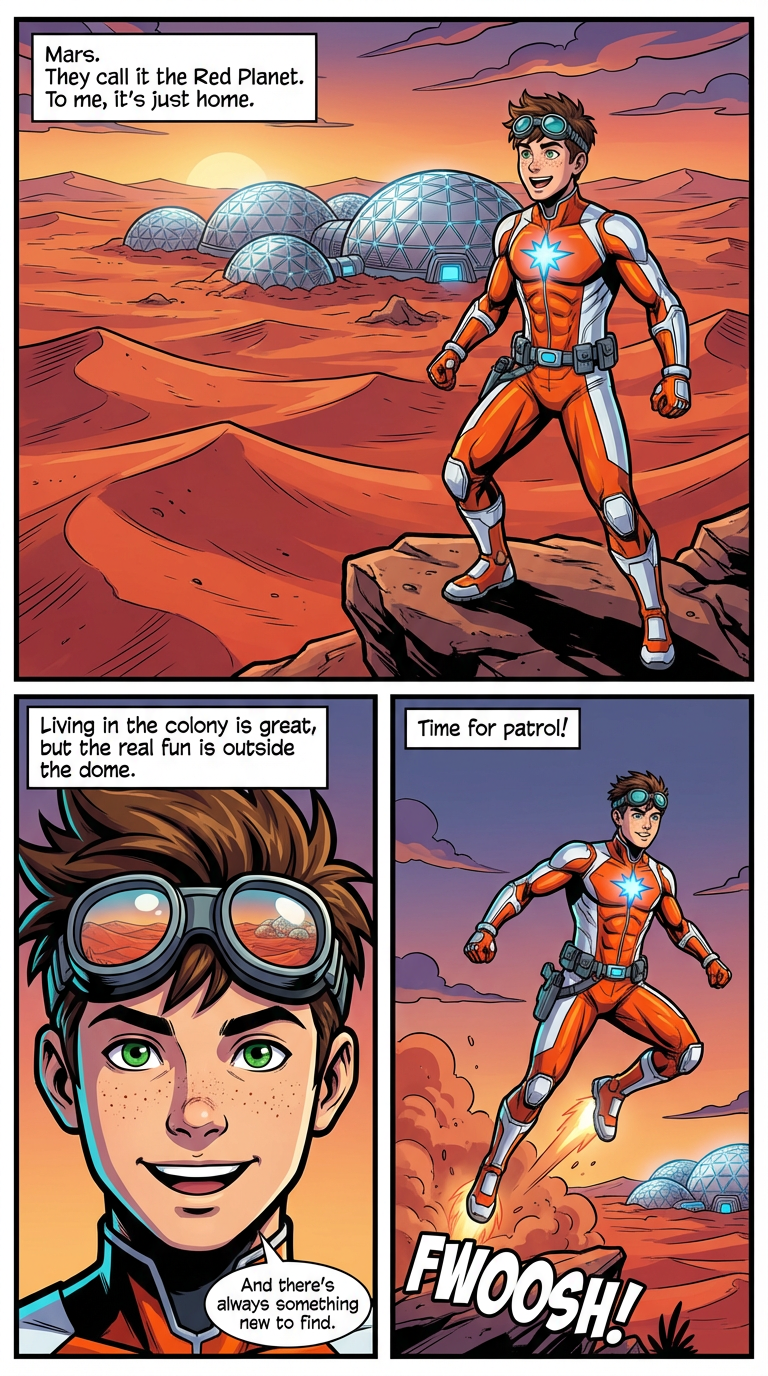 Lalit Mangal
Yes. Upload the artwork to a character in your elements library and ComicKnit uses it as the reference on every page.
Under the Terms of Use you keep ownership of your comics. The copyright status of AI-generated output varies by country, so check the rules for your market.
Yes. Comics are private until you choose to publish them to the community.
Turn your mascot into a recurring comic host. Make on-brand explainer comics, onboarding guides, and social strips where the mascot stays on-model every time.
Turn written instructions into visual step-by-step guides as comics. A guide character walks readers through each step with diagrams and clear panels.
Generate short comic strips from a text prompt. ComicKnit creates quick, consistent multi-panel strips you can share anywhere. Free to start.
Storyboard tools plan shots for film and video; a comic maker produces finished, lettered pages to read and share. Compare outputs, workflow and use cases.
More comics for…: Comics for Teachers · Comics for Authors · Comics for Parents · Comics for Training
Explore more: Comic Explainers · Consistent Character Comics · Comic Series Maker · AI Comic Maker · Comic Generator vs Image Generator