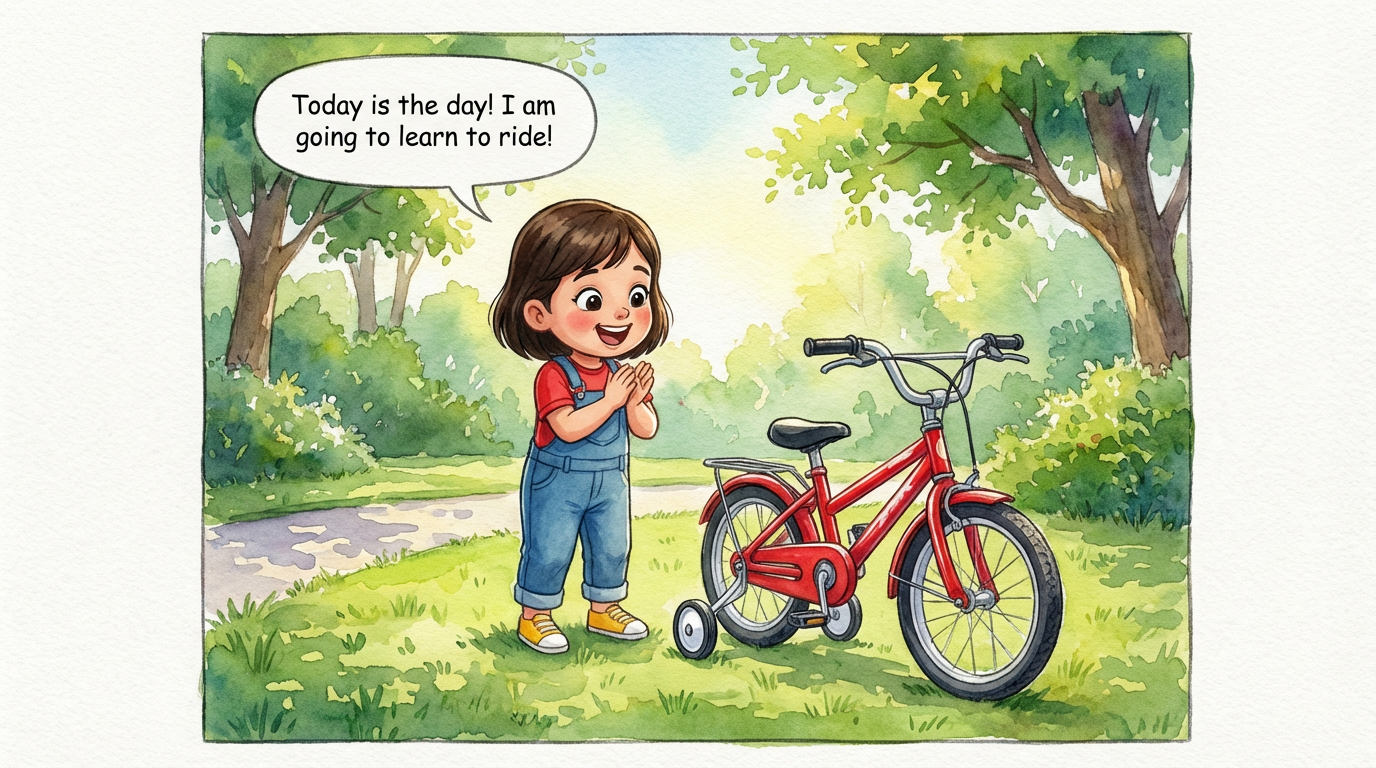
Dakshu's Big Ride
 Lalit Mangal
2
growing-upkids

You already have the story. ComicKnit adapts a chapter, a short story or a pitch into illustrated pages, keeps your characters looking the same from page to page, and can carry them into a whole series.
Paste a chapter or synopsis. ComicKnit writes a page-by-page comic script you can edit, panel by panel, before any page is drawn.
Turn a story into a comic →Save your cast, locations and props to the element library and @mention them, so each character keeps the same face and outfit across chapters.
Recurring characters →Group comics into a series with a series bible, story-so-far continuity and an arc planner, and let readers subscribe for new episodes.
Comic series maker →Turn a key scene into a short comic for social media, a newsletter or a book launch page. Share a public link or export page images.
Paste one of these into the create form, or write your own.
Lalit Mangal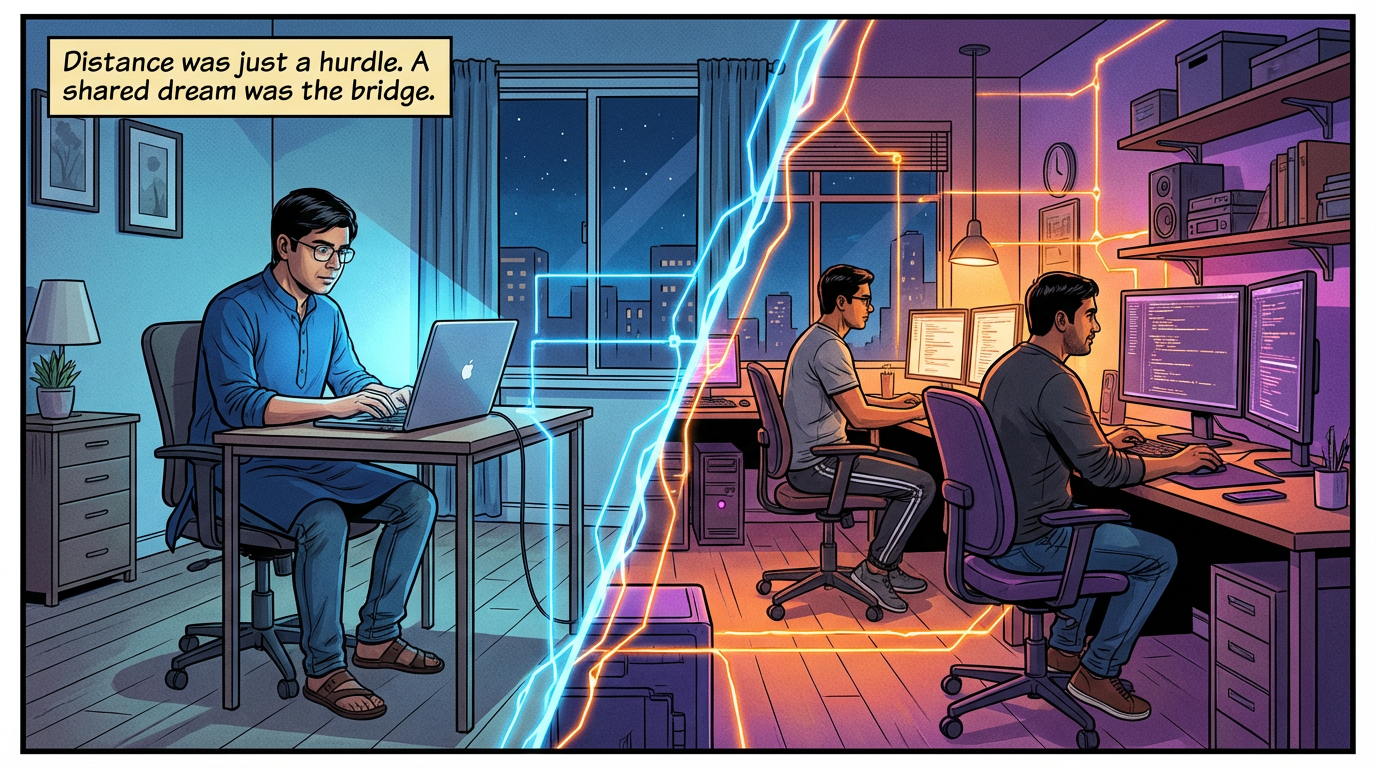 Lalit Mangal
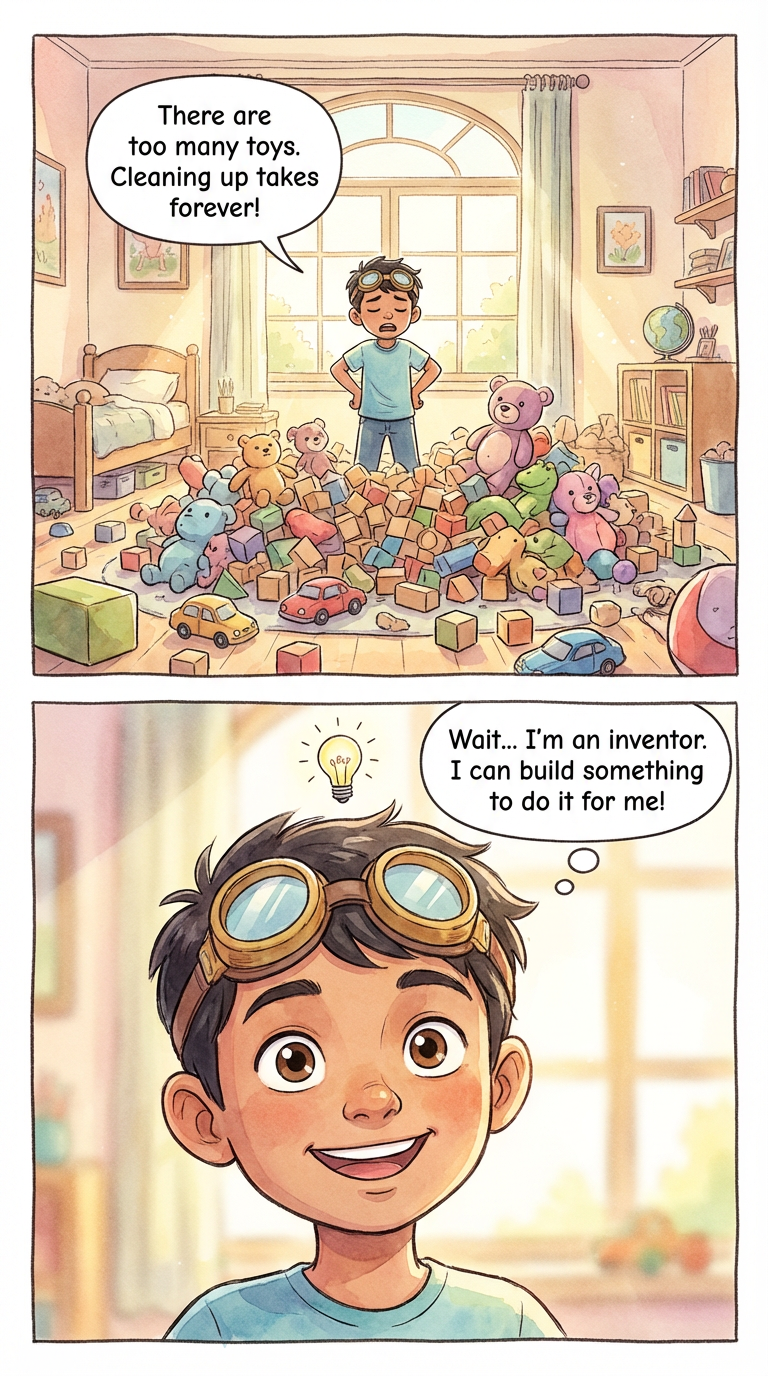
 Ashish Batra
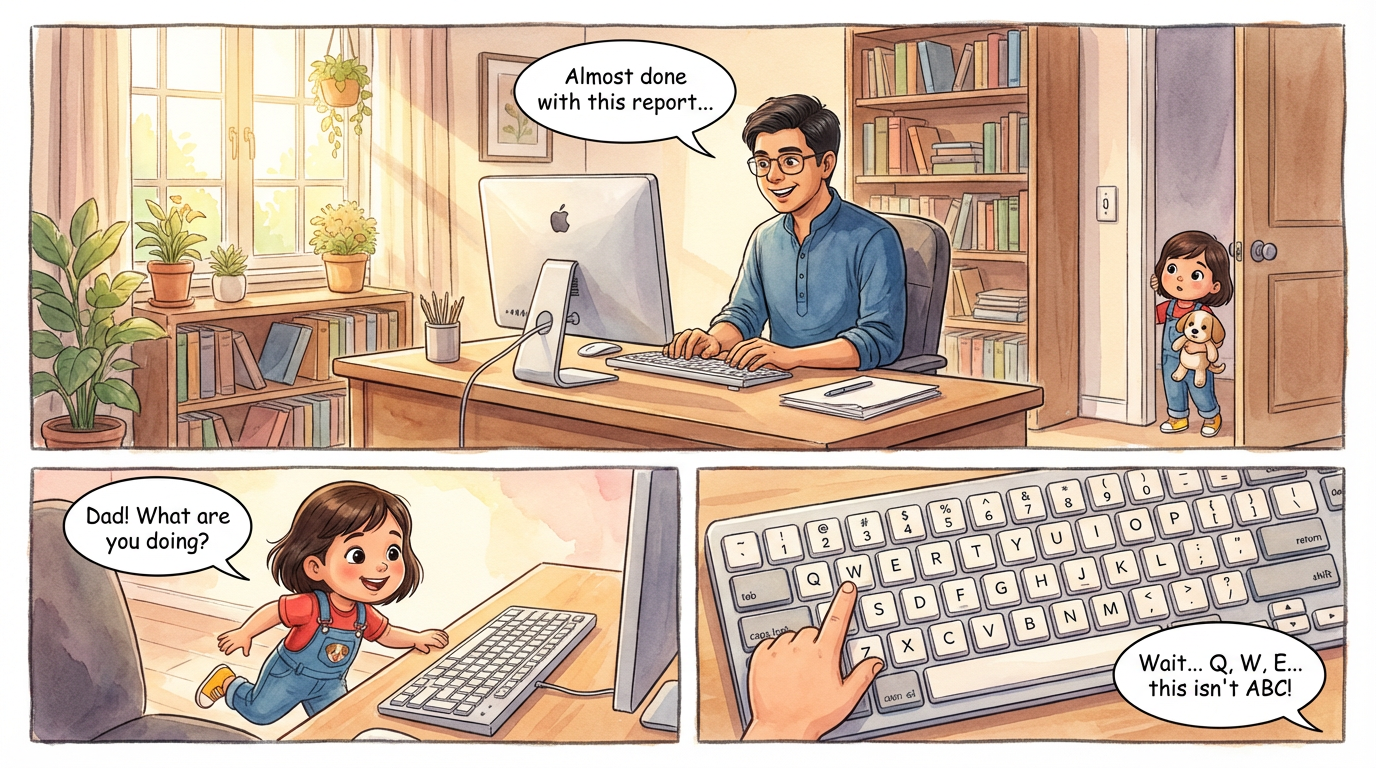 Lalit Mangal
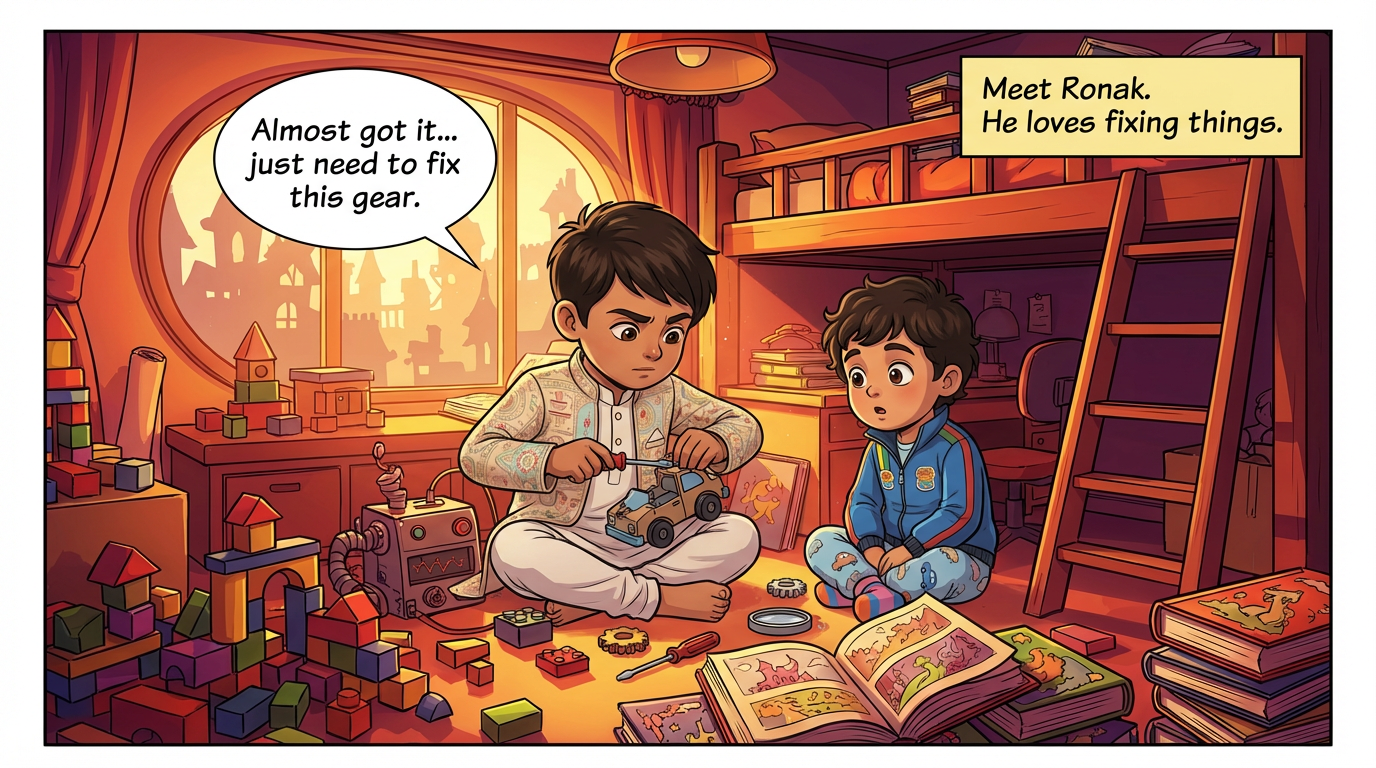 Ashish Batra
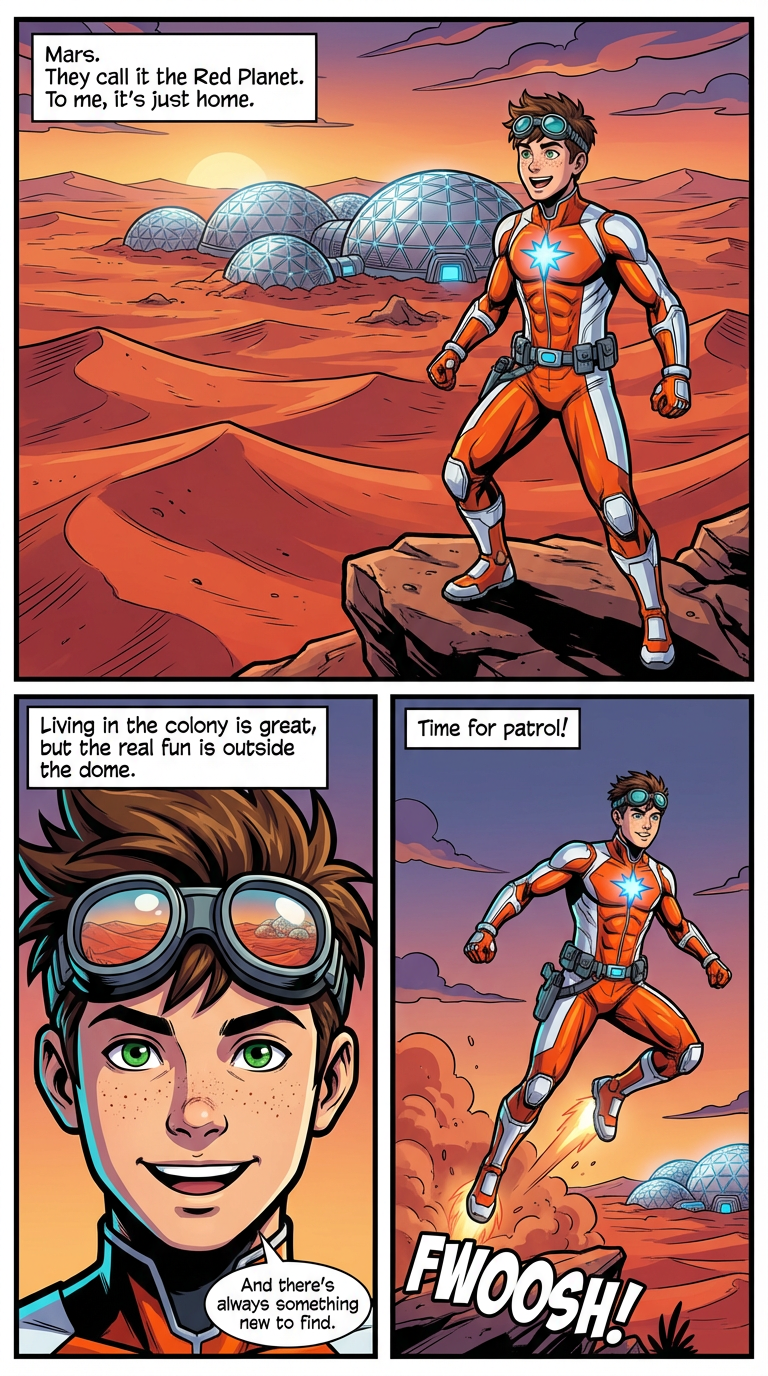 Lalit Mangal
Yes. Under the Terms of Use you keep ownership of the content you create. The copyright status of AI-generated images varies by country, so check the rules where you publish.
Between 3 and 30 pages. For longer works, split the book into episodes in a series.
Yes. Choose from styles such as manga, American superhero, watercolor, ligne claire, indie, realistic and more, and lock a style for a whole series.
Turn any written story into an illustrated comic. ComicKnit adapts your text into a comic script and generates every page with consistent characters. Free to start.
Create a comic series with AI: a pinned cast, a series bible, story-so-far continuity, an arc planner, and a public series page readers can subscribe to.
Keep recurring characters looking the same in every strip, episode, and lesson. ComicKnit reuses saved character designs so your cast stays on-model.
Drawing by hand gives full control; an AI comic maker gets a story onto the page in minutes. Compare time, skills, control and cost to choose the right approach.
More comics for…: Comics for Teachers · Comics for Marketers · Comics for Parents · Comics for Training
Explore more: Comic Explainers · Consistent Character Comics · Comic Series Maker · AI Comic Maker · Comic Generator vs Image Generator