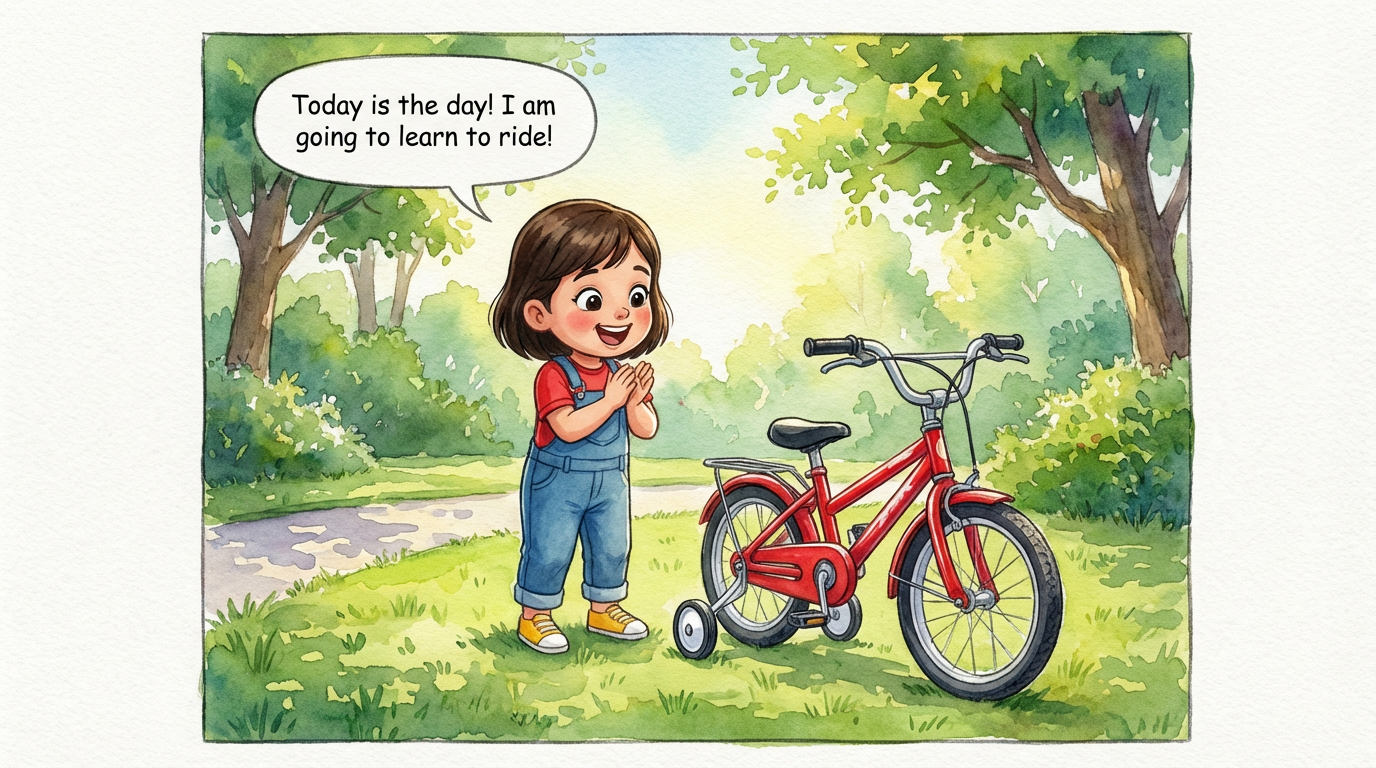
Dakshu's Big Ride
 Lalit Mangal
2
growing-upkids
Storyboards and comics both tell a story in panels, but they are made for different readers. A storyboard is a plan for a film or video crew; a comic is the finished thing an audience reads. Here is when each fits.
Storyboard software focuses on shots, camera notes and timing for production. ComicKnit produces finished, lettered pages with narration and speech bubbles that people read on the web or as a PDF.
If you want motion, a finished ComicKnit comic can be animated into an MP4 video, shot by shot, so the comic and the video share the same characters and look.
Pitch decks and series bibles need the same characters on every page. ComicKnit keeps characters in an element library and reuses them across comics and episodes.
Make a comic series →Lalit Mangal Lalit Mangal
 Ashish Batra
 Lalit Mangal
 Ashish Batra
 Lalit Mangal
You can use a comic as a visual draft of a story. ComicKnit does not produce shot lists or timing sheets, but it can animate a finished comic into an MP4 video.
Yes. Export a PDF, a ZIP of page images or slides, or share a public link to the comic.
Yes. Pick square pages for social feeds, vertical for phones, or widescreen for slides and the web.
An image generator makes one picture at a time. A comic generator writes the script, keeps characters consistent and lays out every page. Which fits your project?
Drawing by hand gives full control; an AI comic maker gets a story onto the page in minutes. Compare time, skills, control and cost to choose the right approach.
Make on-brand marketing comics: product explainers, onboarding guides and social strips with your mascot kept on-model in every panel. No illustrator needed.
Turn any written story into an illustrated comic. ComicKnit adapts your text into a comic script and generates every page with consistent characters. Free to start.
More comparisons: Comic Generator vs Image Generator · AI Comics vs Drawing by Hand
Explore more: Comic Explainers · Consistent Character Comics · Comic Series Maker · AI Comic Maker · Comics for Teachers