Dakshu's Big Ride
 Grey Tusker
2
growing-upkids
Once your audio comic is finished, export it as an MP4. ComicKnit lays the same pictures the player shows over the soundtrack, in sync with the voices, and closes with a short ComicKnit outro. Upload it to YouTube, social platforms or your own site.
Every page, and any extra camera angles on dialogue-heavy pages, appears on screen for exactly as long as it is being narrated. The video is full HD (1080 px on the short edge) and ends with a three-second ComicKnit outro.
A video travels further than a link to a page. Post the MP4 as a YouTube story, a social video or an embedded clip, and send people to the interactive version for the full comic.
Make an audio comic →The MP4 export is free for the comic's owner. You pay for the comic and its voicing, not for the video render.
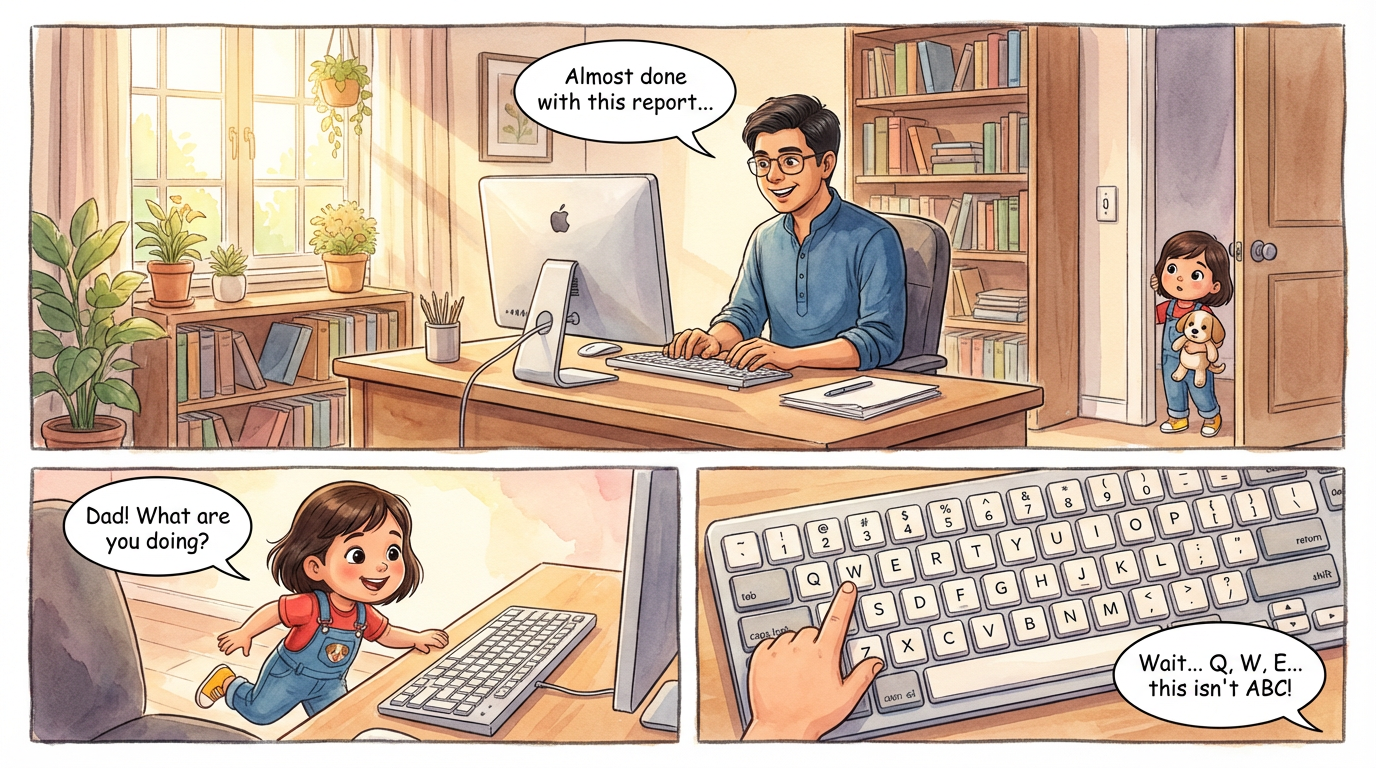
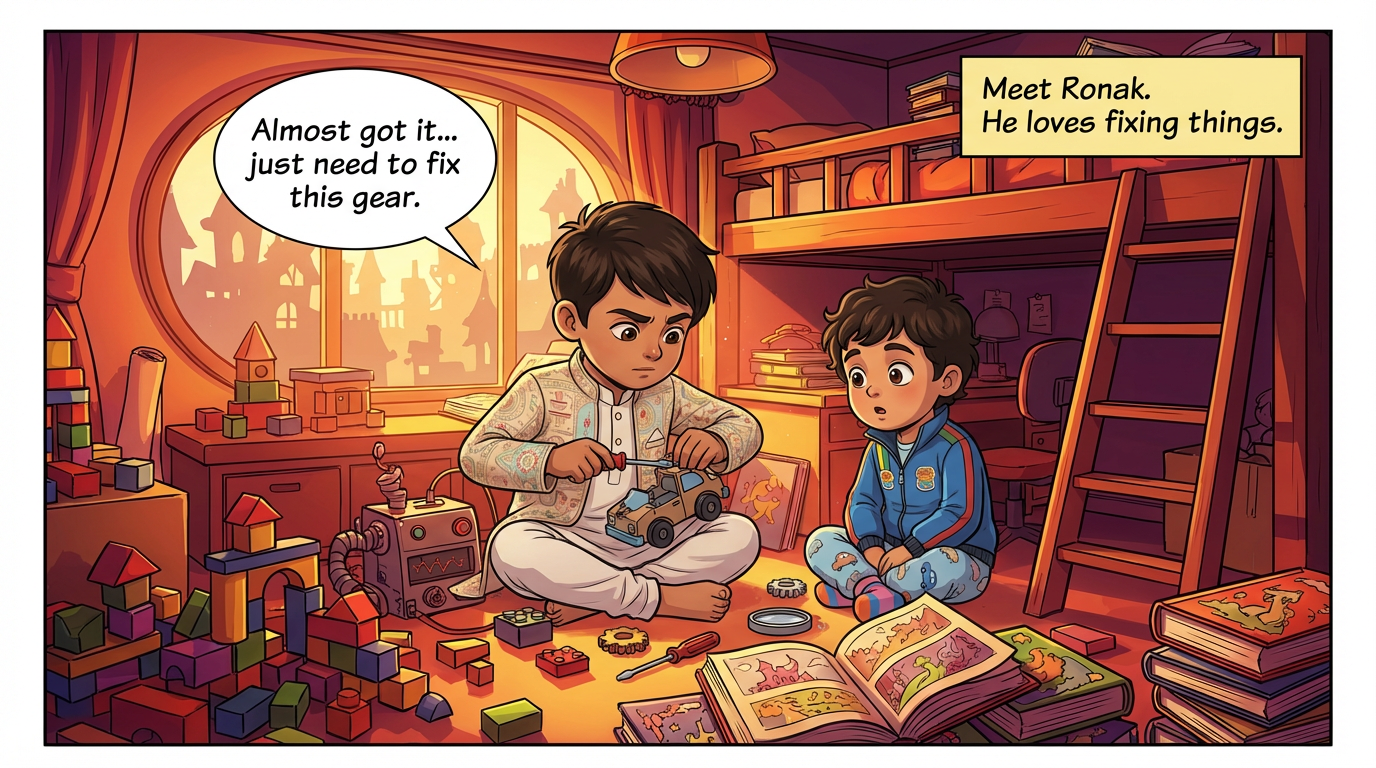
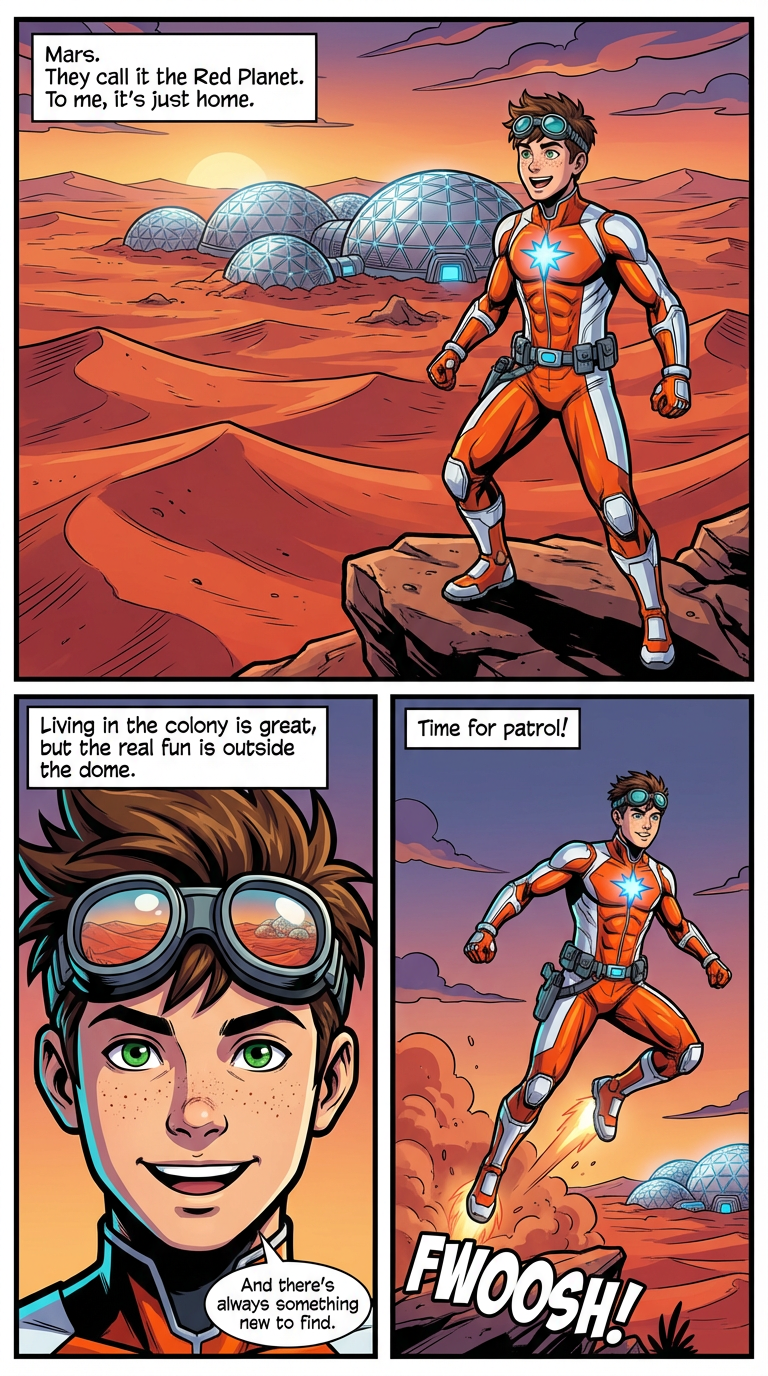
The video shows illustrated pages changing in time with the audio. It is a narrated picture story, not animation, which is what makes it quick to produce.
Audio comic vs motion comic →Grey Tusker Grey Tusker
 Ashish Batra
 Grey Tusker
 Ashish Batra
 Grey Tusker
Yes. The export is a standard MP4 that you download and upload anywhere that accepts video.
The video export is for audio comics, because it follows the soundtrack. Text comics export as PDF, slides or page images instead.
The video ends with a short three-second ComicKnit outro showing the logo and website. There is no overlay on the story itself.
Make an audio comic from a text idea. ComicKnit writes the script, draws every page, casts AI voices and sound effects, and syncs it all in one player.
Audio comics pair still pages with voices and sound; motion comics animate the art. Compare effort, cost and use cases to choose the right format for your story.
Audio comic books pair illustrated pages with narration, character voices and sound effects. See how they work and make your own from a text idea.
Create a comic with voice-over: AI narration, character voices and sound effects generated for every page and synced to the pictures. Start free.
More audio comics: Audio Comic Maker · Audio Comic Books · Comic With Voice-Over · AI Voice Comic Maker · Multilingual Audio Comics · Illustrated Audiobook Maker · Audio Comics for Kids · Audio Comic vs Motion Comic
Explore more: Comic Explainers · Consistent Character Comics · Comic Series Maker · AI Comic Maker · Comic Generator vs Image Generator · Comics for Teachers