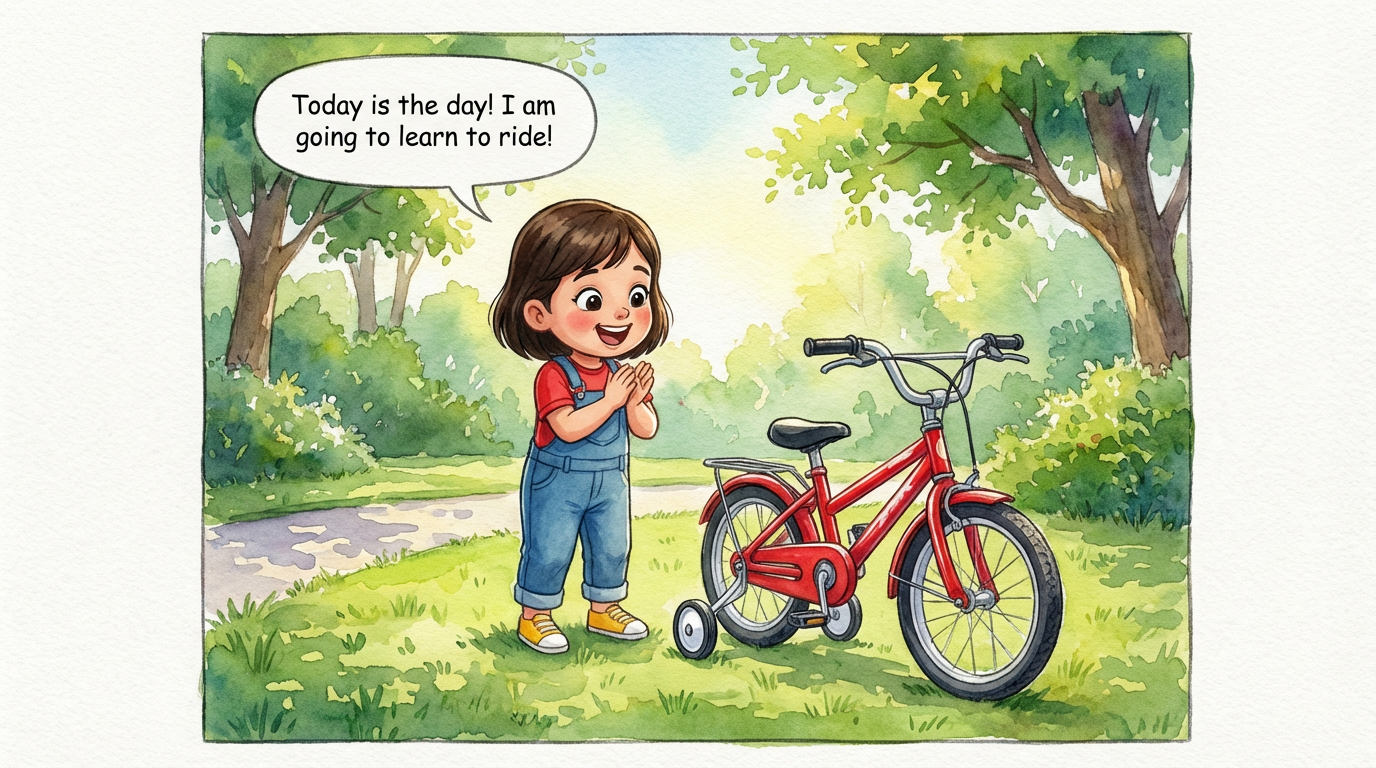
Dakshu's Big Ride
 Grey Tusker
2
growing-upkids
Want your comic to talk? ComicKnit generates the narration, a separate voice for each character and matching sound effects, then plays them over your pages in sync. You write the story, and the voice-over is done for you.
Every audio comic gets a narrator for scene-setting and a distinct voice for each speaking character. Voices are chosen to match the character, and lines are performed with the emotion the script gives them rather than read flat.
How the AI voices are chosen →Doors slam, rain falls, engines start. Sound effects are generated from a description of the moment and mixed under the voices into a single soundtrack.
Review the script first. Change a line of dialogue or a narration beat and the voice-over follows, so you never re-record a take.
Choose English (US or UK), another supported language, or describe a custom mix such as Hindi and English. Spoken words follow your choice while the rest of the script stays in English.
Multilingual audio comics →Grey Tusker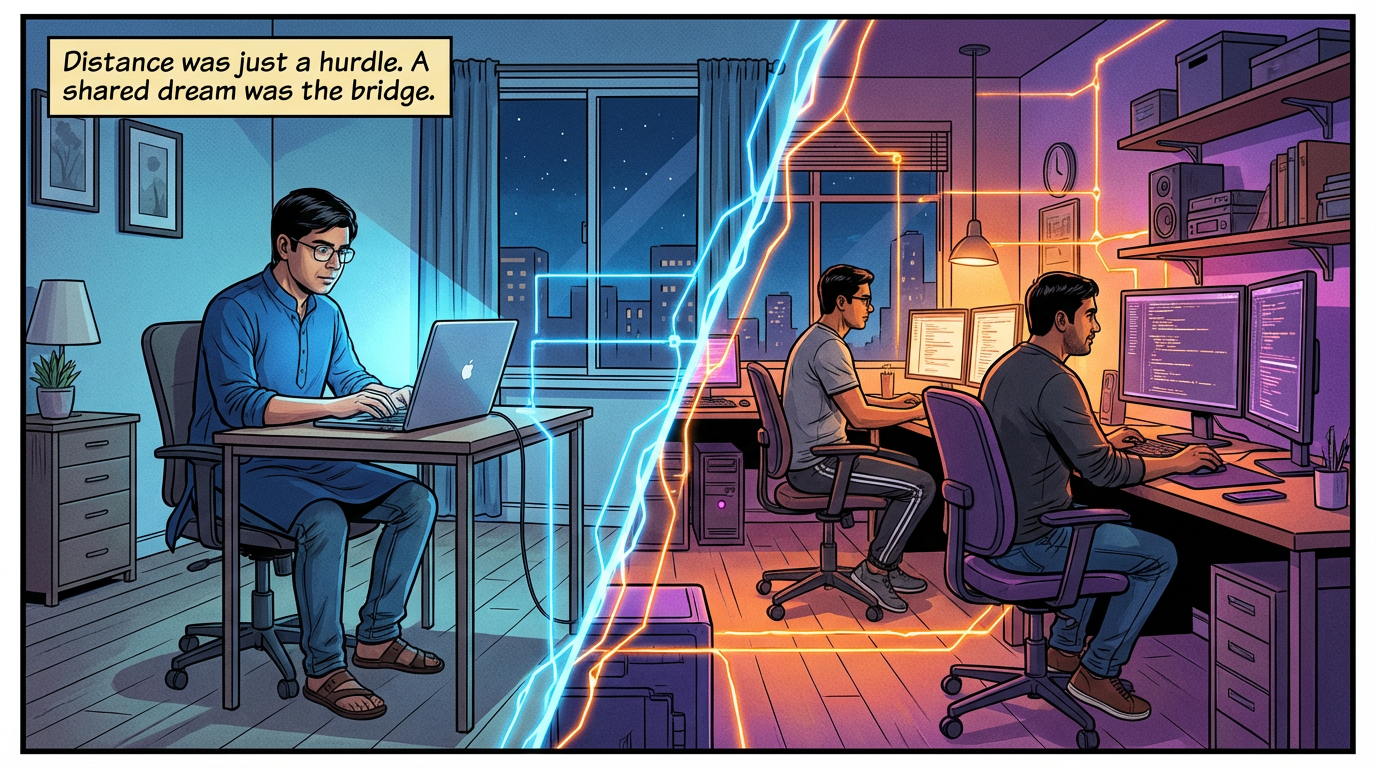 Grey Tusker
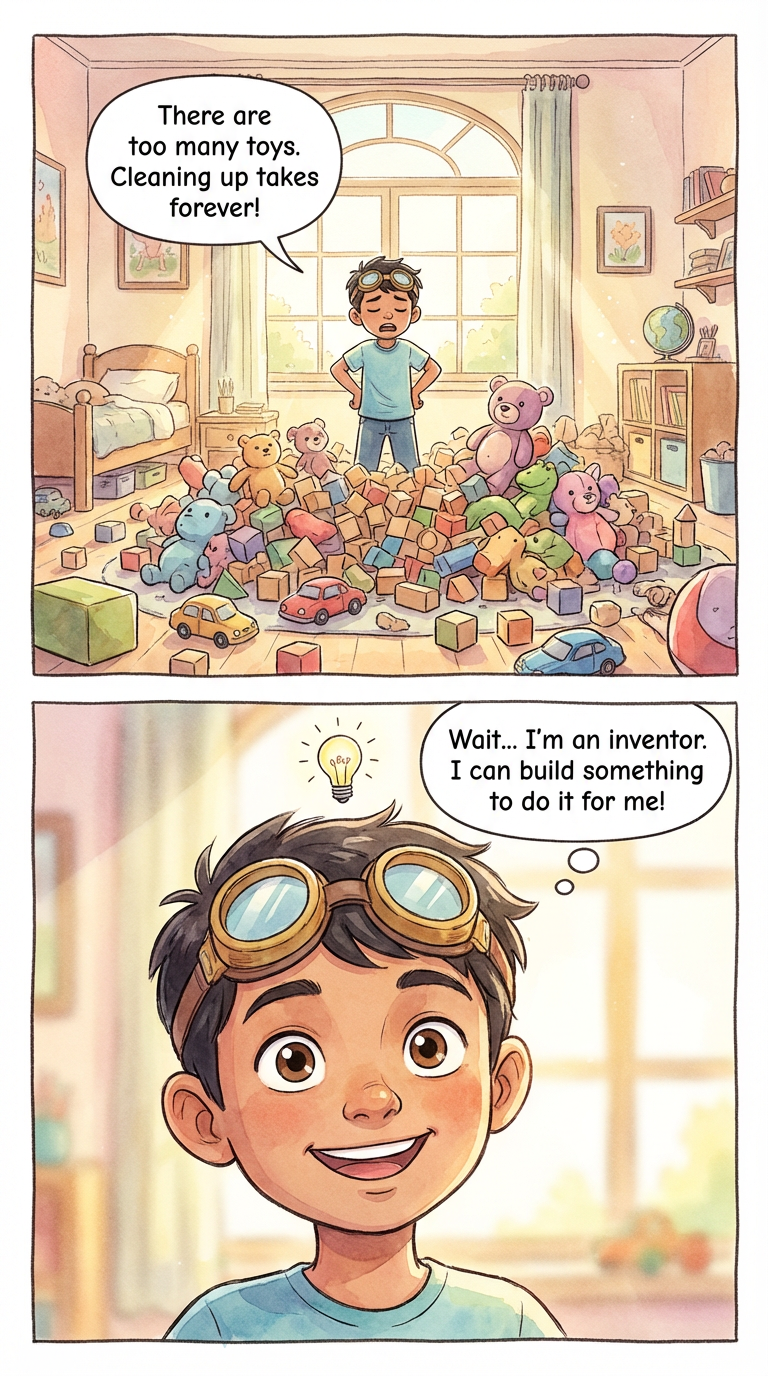
 Ashish Batra
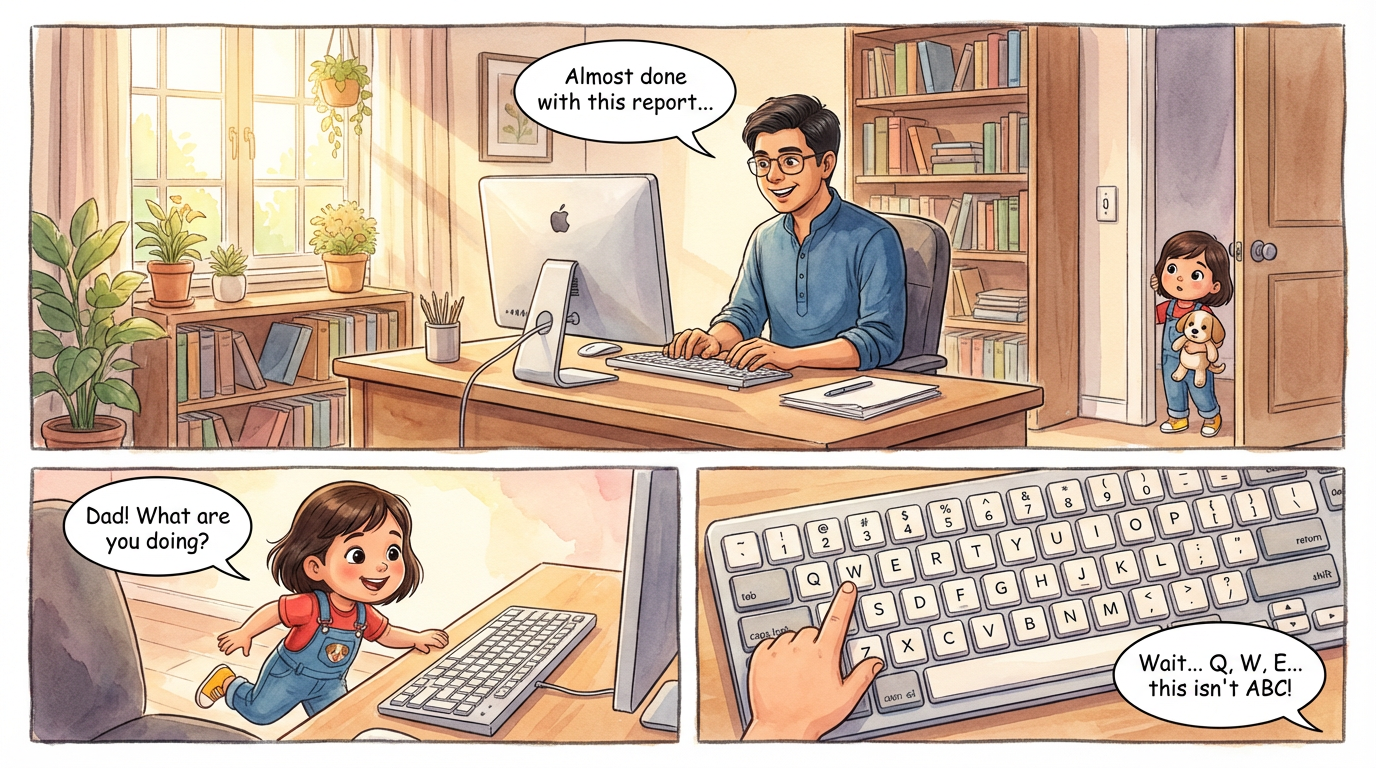 Grey Tusker
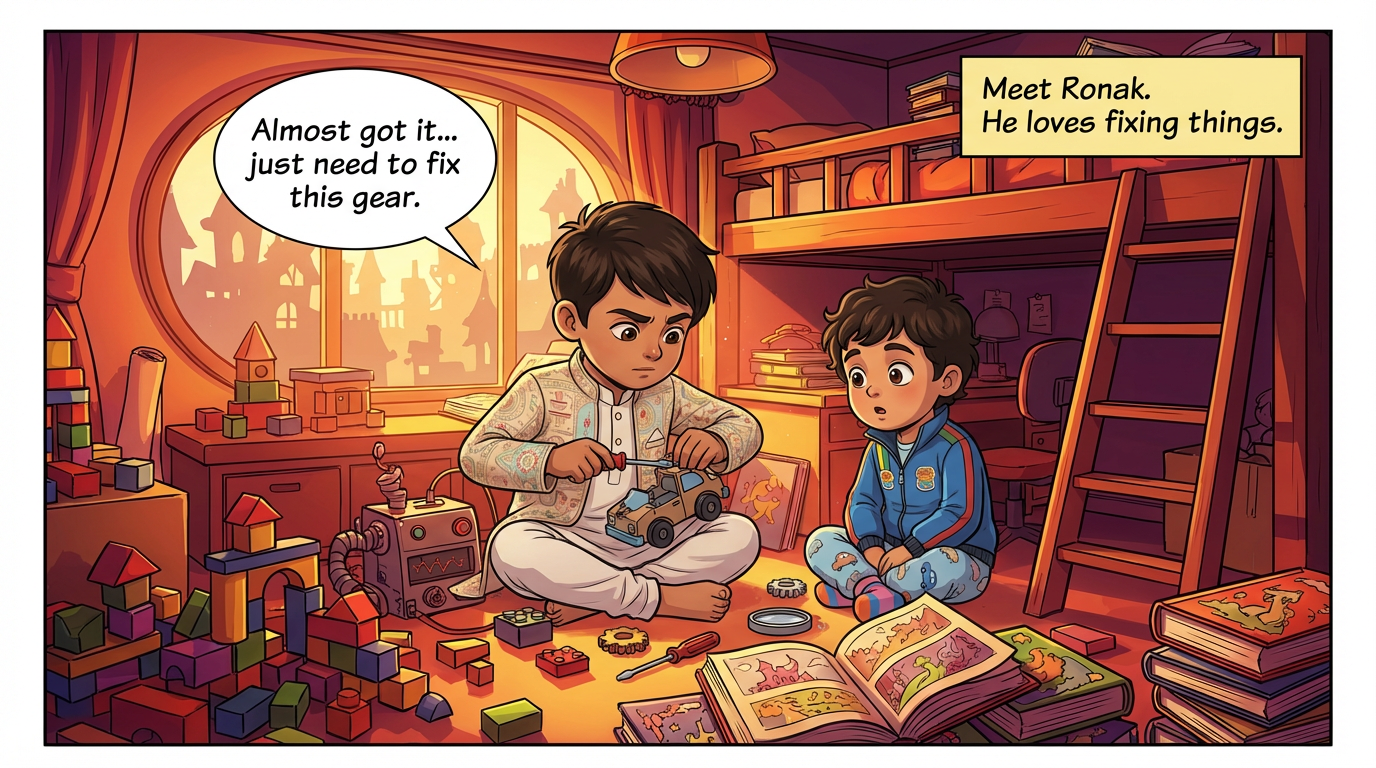 Ashish Batra
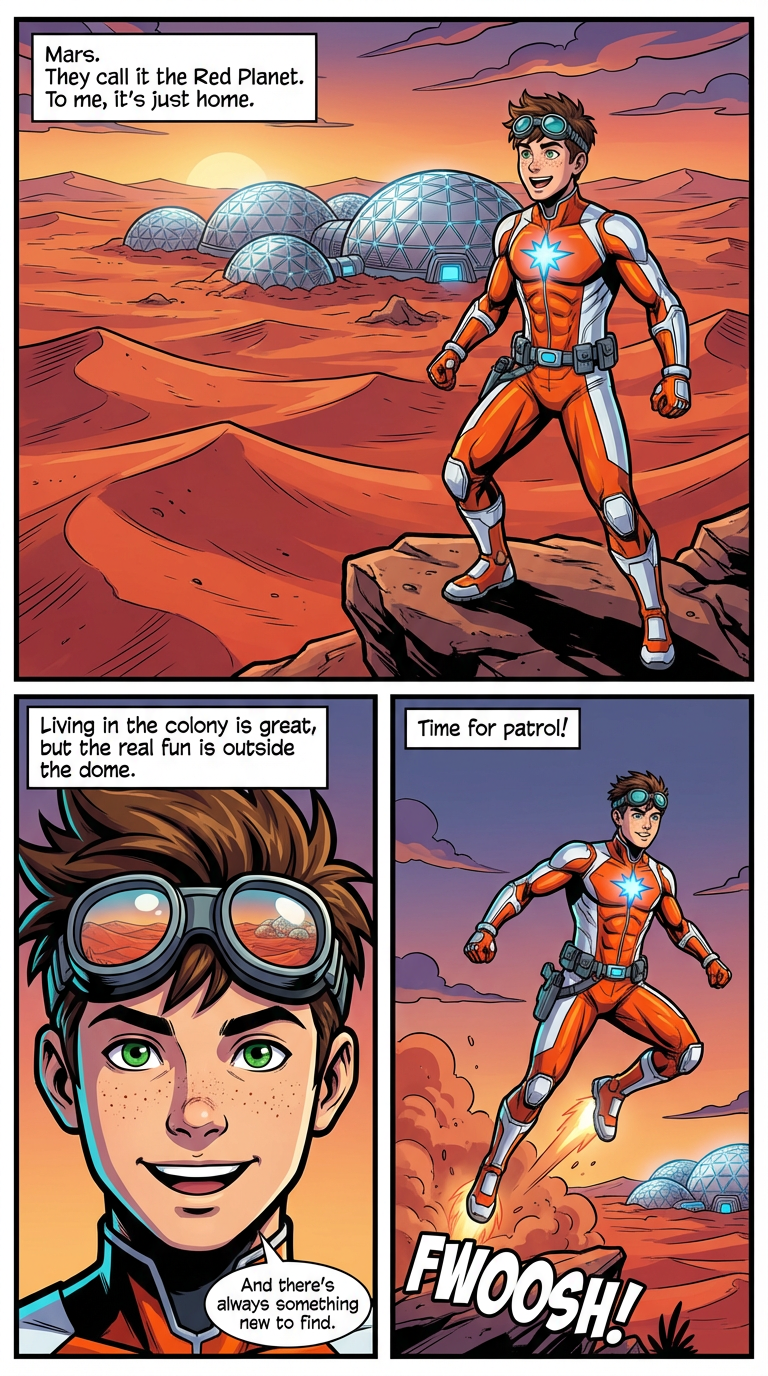 Grey Tusker
ComicKnit generates the voices for you. Recording your own voice or cloning one is not part of audio comics today.
Audio is a comic type you choose when you create the comic, because the script and art are made for listening. Start a new comic with Comic type set to Audio.
If a line or sound effect is blocked by a content check, ComicKnit rewrites only the concerning wording and retries once. Voicing is charged only when the soundtrack finishes.
Voicing costs 2 credits per page on top of the page image, charged once when the soundtrack is finished, so a failed attempt costs nothing.
Make an audio comic from a text idea. ComicKnit writes the script, draws every page, casts AI voices and sound effects, and syncs it all in one player.
Give every comic character their own AI voice. ComicKnit casts matching voices, keeps them consistent across episodes and adds sound effects. Try it free.
Make audio comics narrated in English, Hindi, Spanish and dozens more languages, or a custom mix like Hindi and English. Pick the language when you create.
Audio comic books pair illustrated pages with narration, character voices and sound effects. See how they work and make your own from a text idea.
More audio comics: Audio Comic Maker · Audio Comic Books · AI Voice Comic Maker · Comic to Narrated Video · Multilingual Audio Comics · Illustrated Audiobook Maker · Audio Comics for Kids · Audio Comic vs Motion Comic
Explore more: Comic Explainers · Consistent Character Comics · Comic Series Maker · AI Comic Maker · Comic Generator vs Image Generator · Comics for Teachers