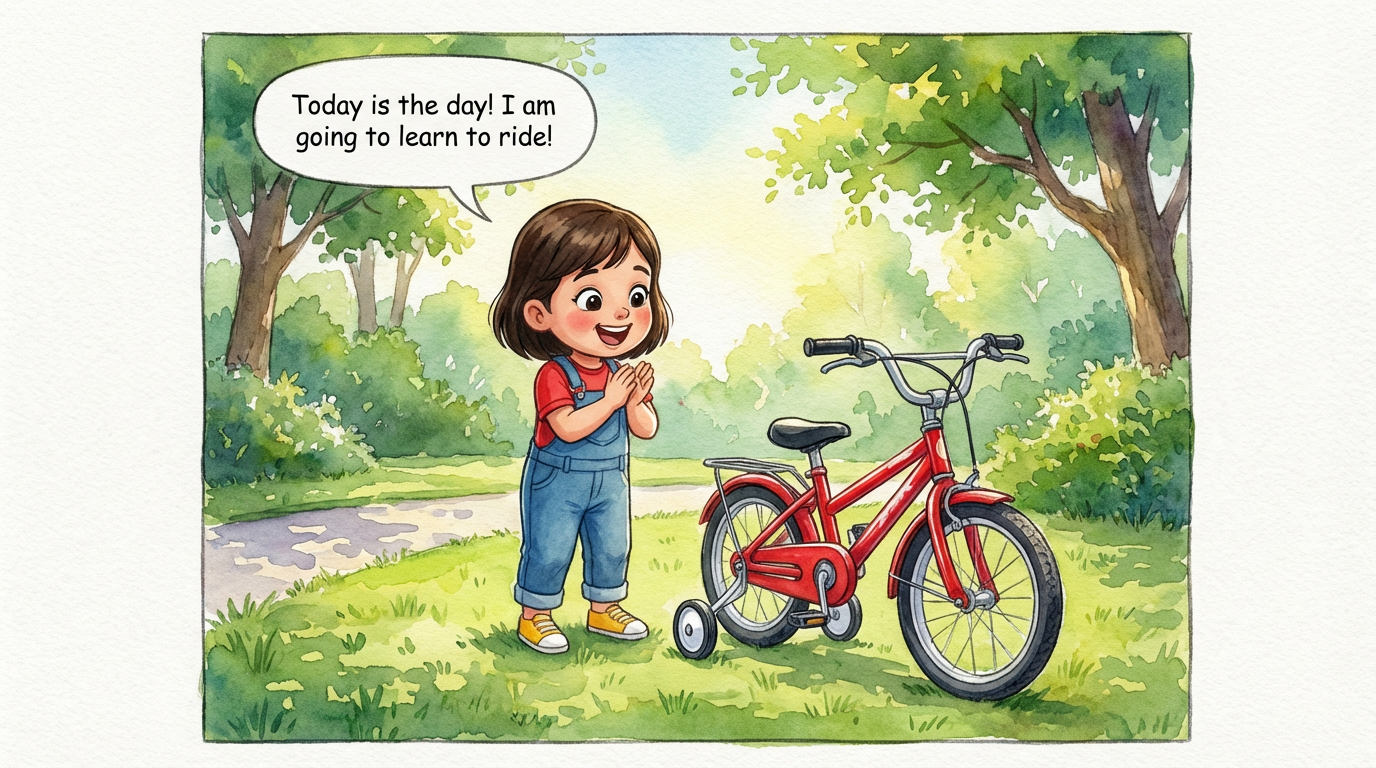
Dakshu's Big Ride
 Grey Tusker
2
growing-upkids
Choose the spoken language for your audio comic from a list of around ninety options, or describe your own, such as a mix of Hindi and English. The narration and dialogue are performed in that language while you keep creating in plain English.
On the create form, set Comic type to Audio and use the Audio language menu. English (US) is the default, English (UK) gives a British accent, and every other supported language is listed by name.
Choose Custom and describe it in a few words, for example a mix of Hindi and English. The writers use that mix for the spoken words, which suits bilingual characters and audiences.
Only the words that are spoken, the narration and dialogue, are written in the chosen language. Descriptions and image instructions stay in English, which keeps the art consistent.
Comic with voice-over →One idea can become several audio comics for learners, families and fans who prefer another language. Series keep their cast and style across episodes.
Comic series maker →Grey Tusker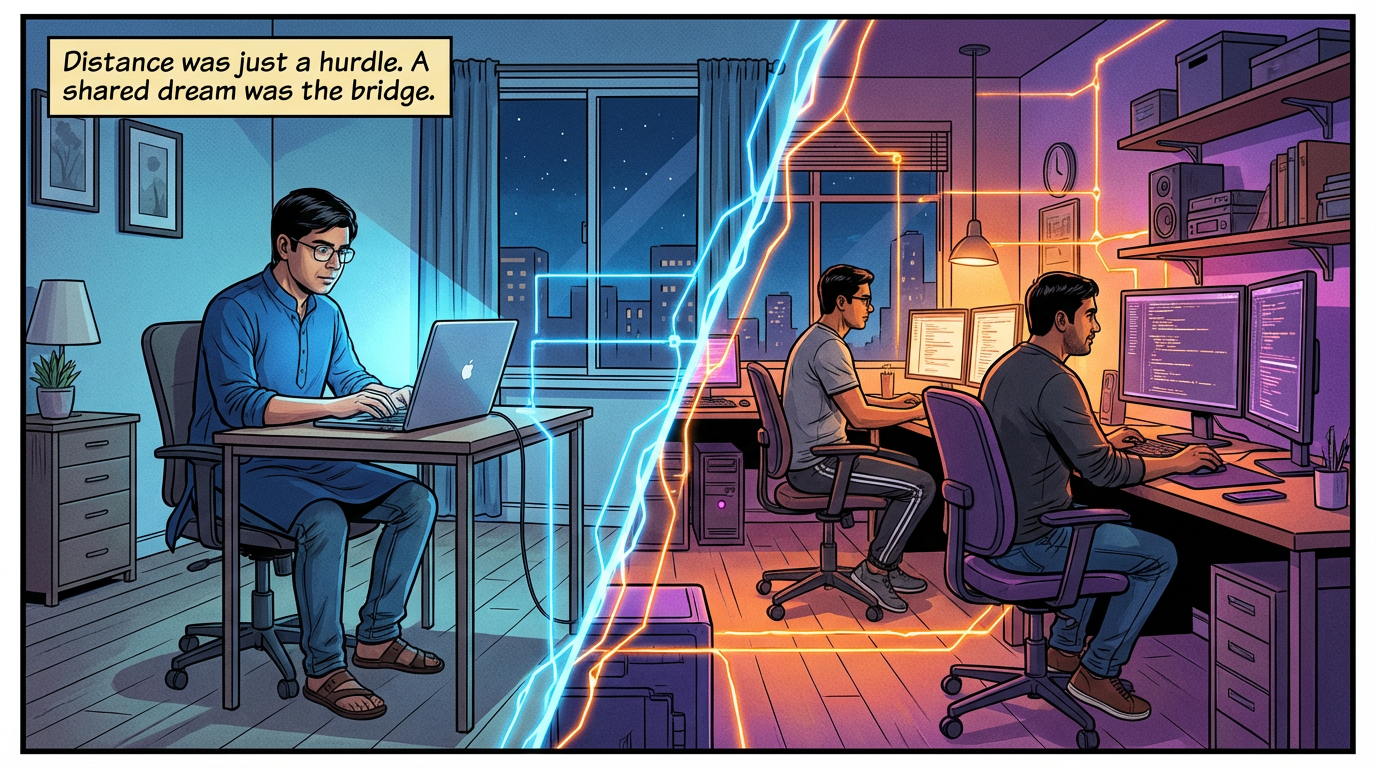 Grey Tusker
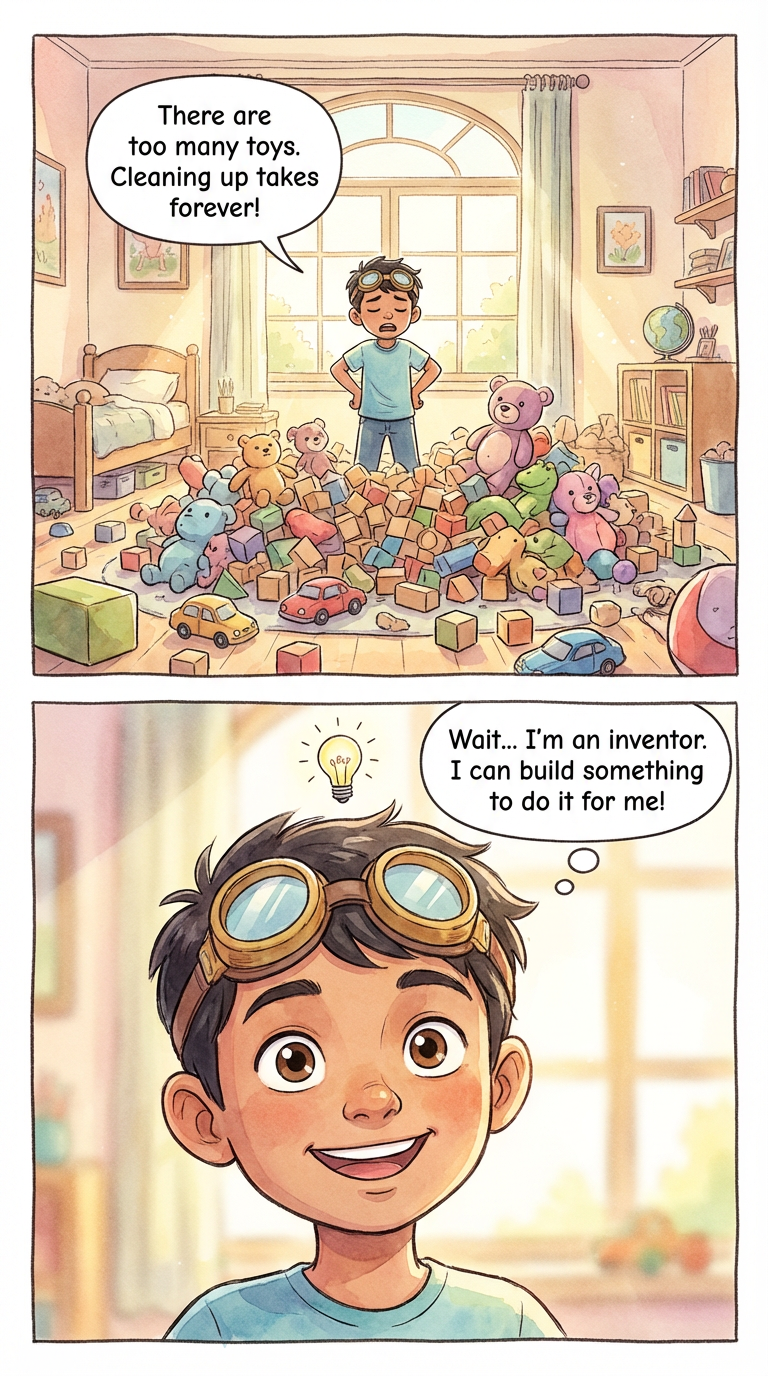
 Ashish Batra
 Grey Tusker
 Ashish Batra
 Grey Tusker
English (US and UK) and roughly ninety other languages are offered in the Audio language menu, plus a Custom option for mixes. The menu on the create form shows the full current list.
Use the Custom option to describe the mix, for example a mix of Hindi and English, and the script writers will use it for the spoken lines.
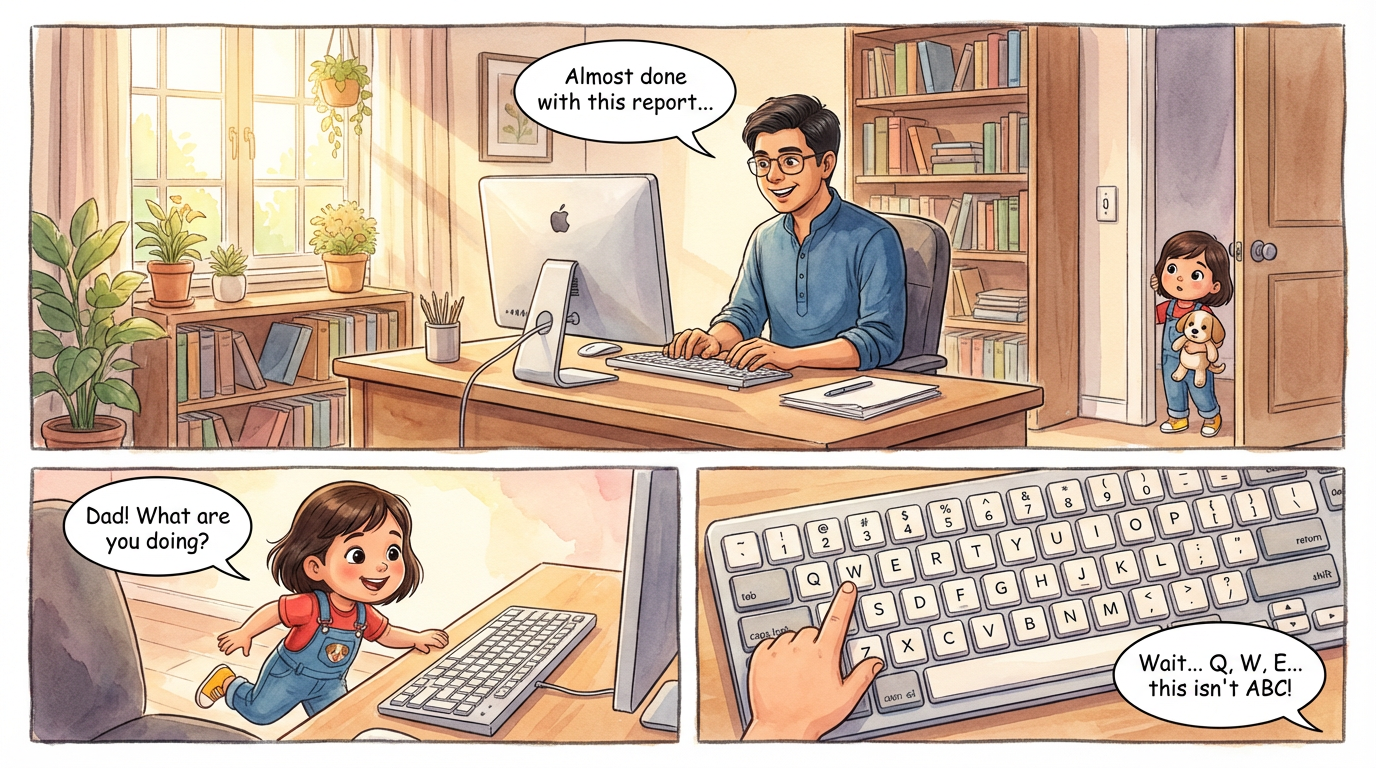
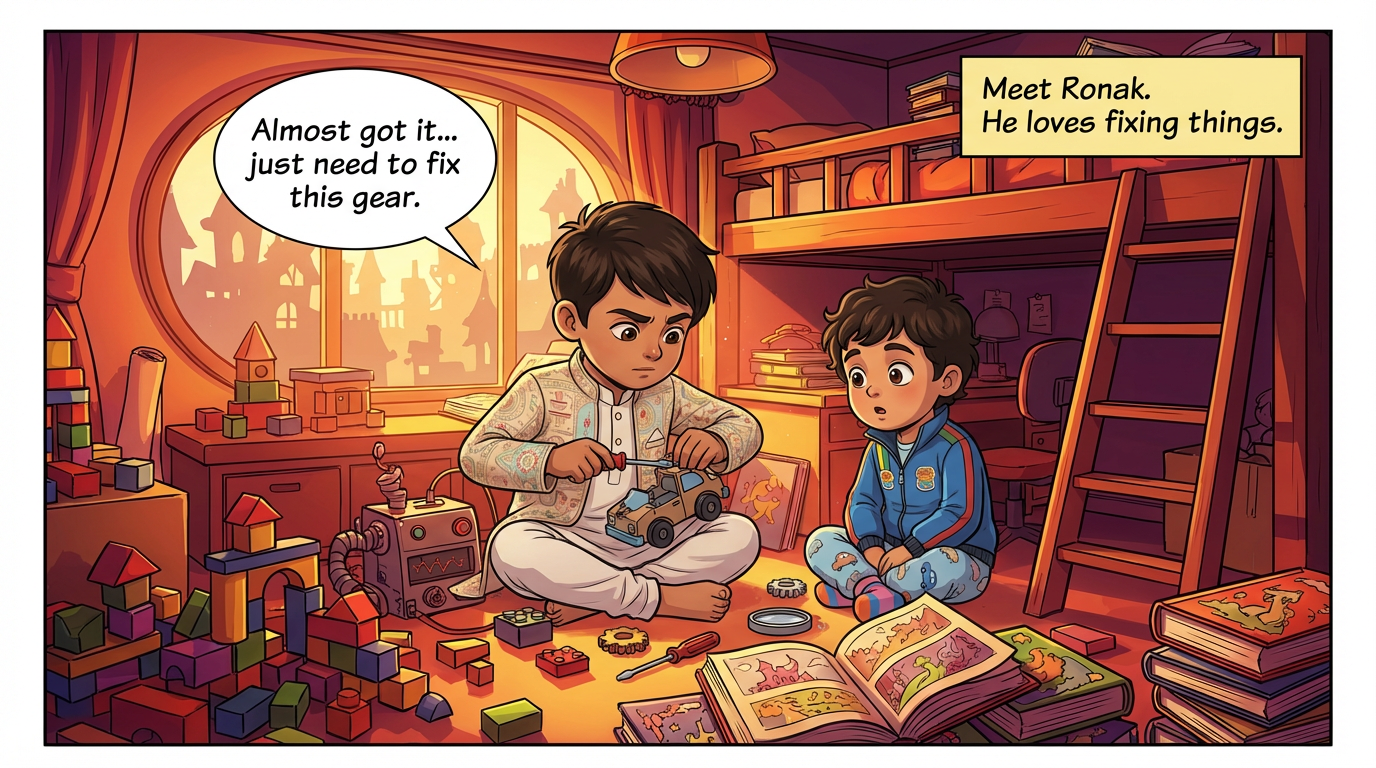
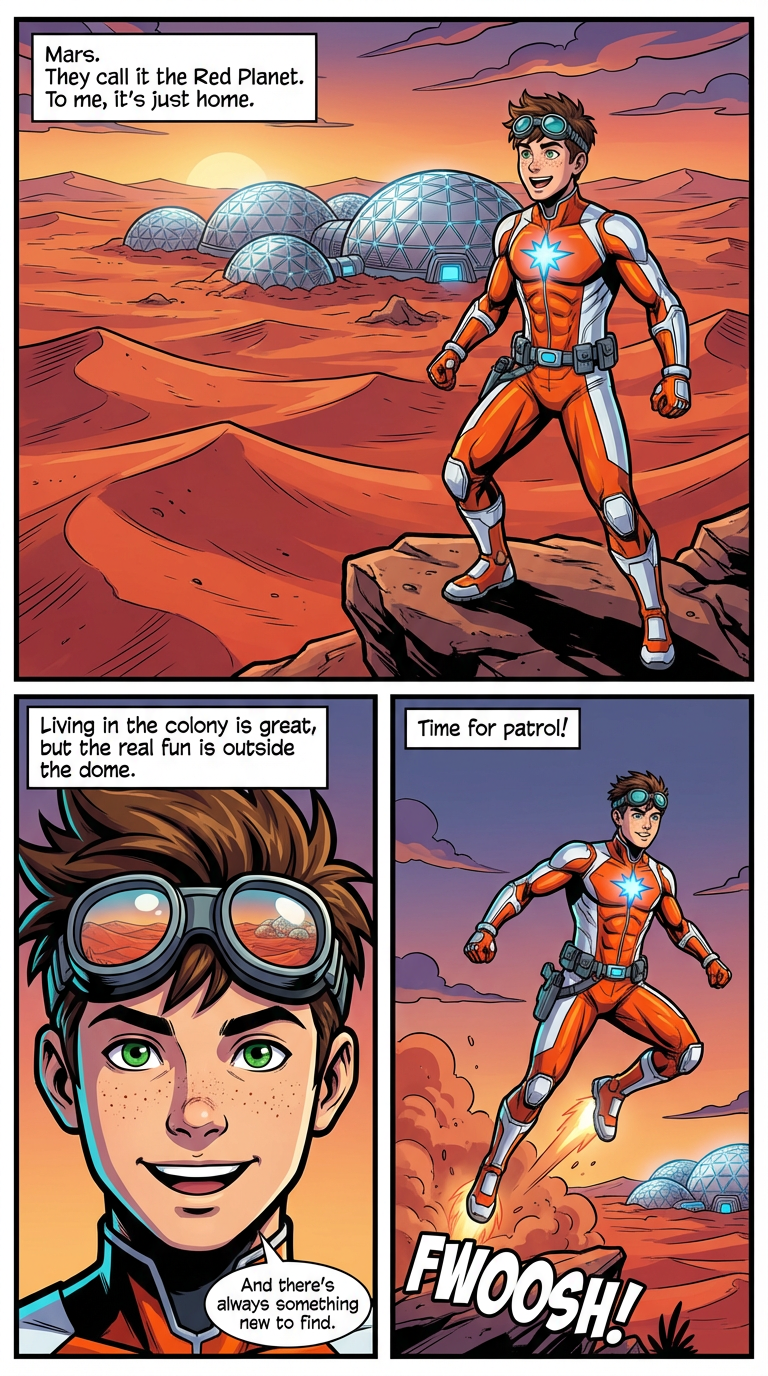
No. Audio comic panels are drawn without lettering, so a language change never leaves stray text in the pictures.
Make an audio comic from a text idea. ComicKnit writes the script, draws every page, casts AI voices and sound effects, and syncs it all in one player.
Create a comic with voice-over: AI narration, character voices and sound effects generated for every page and synced to the pictures. Start free.
Give every comic character their own AI voice. ComicKnit casts matching voices, keeps them consistent across episodes and adds sound effects. Try it free.
Make audio comics for children: illustrated bedtime stories and lessons with a friendly narrator and character voices. Parents and teachers can create one free.
More audio comics: Audio Comic Maker · Audio Comic Books · Comic With Voice-Over · AI Voice Comic Maker · Comic to Narrated Video · Illustrated Audiobook Maker · Audio Comics for Kids · Audio Comic vs Motion Comic
Explore more: Comic Explainers · Consistent Character Comics · Comic Series Maker · AI Comic Maker · Comic Generator vs Image Generator · Comics for Teachers